UpdateAI agent
Settings: your instructions, your skills, your roll-former
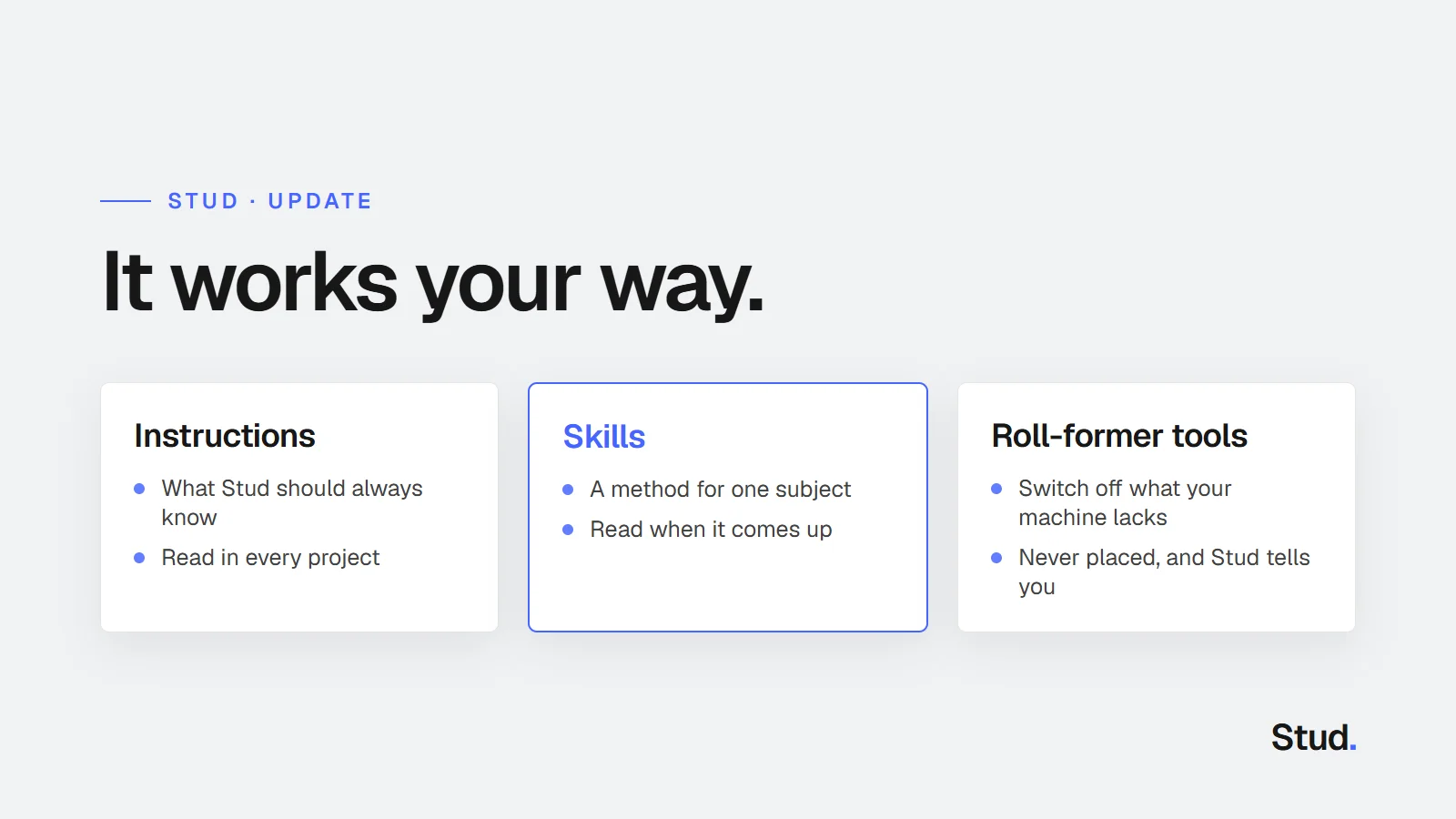
Tell Stud once how you work. Instructions apply to every project, skills hold your methods, and your roll-former's tools decide what it places.
1 min read
How to go from a 2D plan to quantities and production files with Stud, what changes in the product, and what we learn along the way.
Tell Stud once how you work. Instructions apply to every project, skills hold your methods, and your roll-former's tools decide what it places.
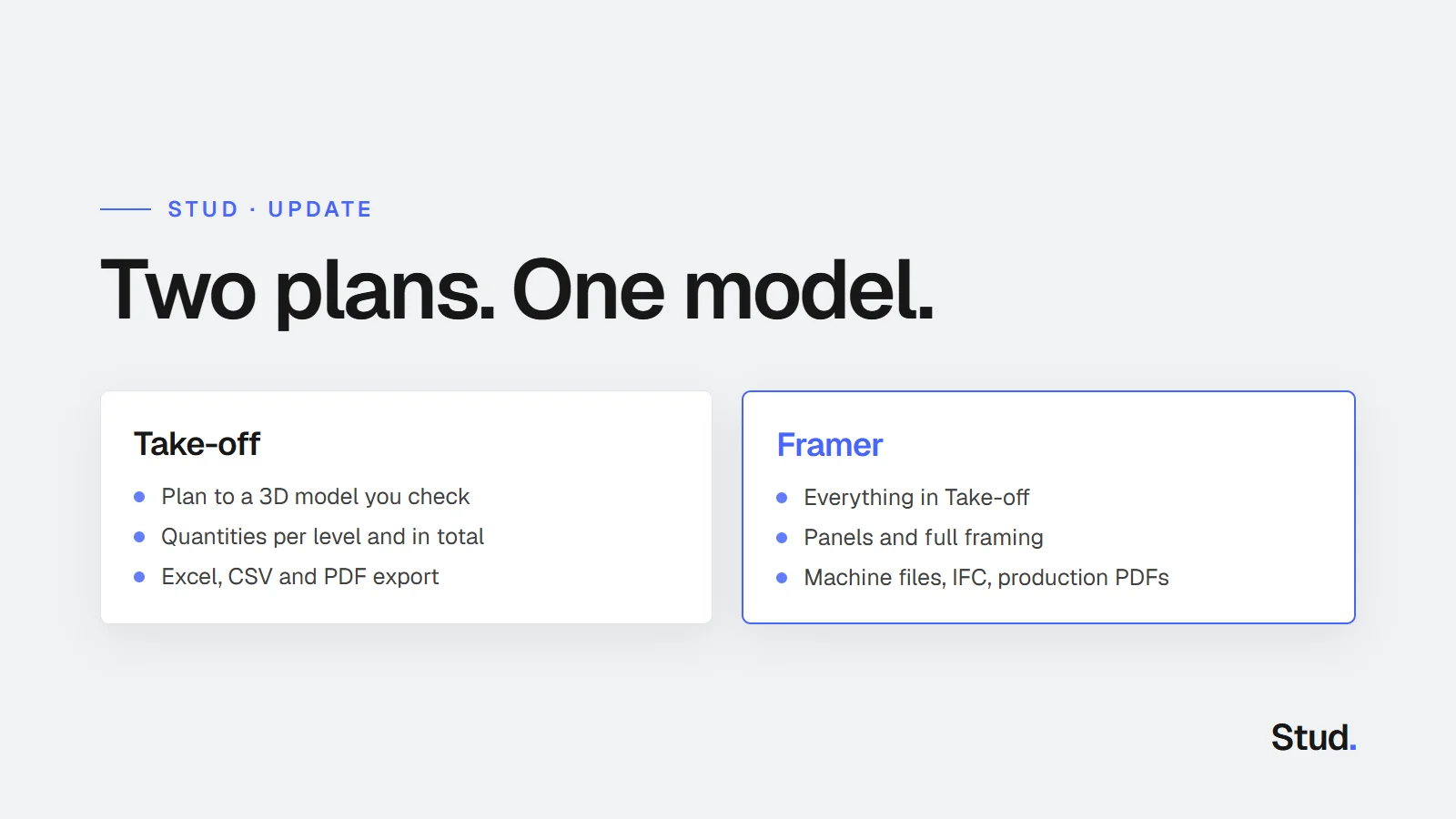
Take-off turns a 2D plan into the quantities you price with, exported to Excel, CSV and PDF. Framer adds panels, framing and every production export.
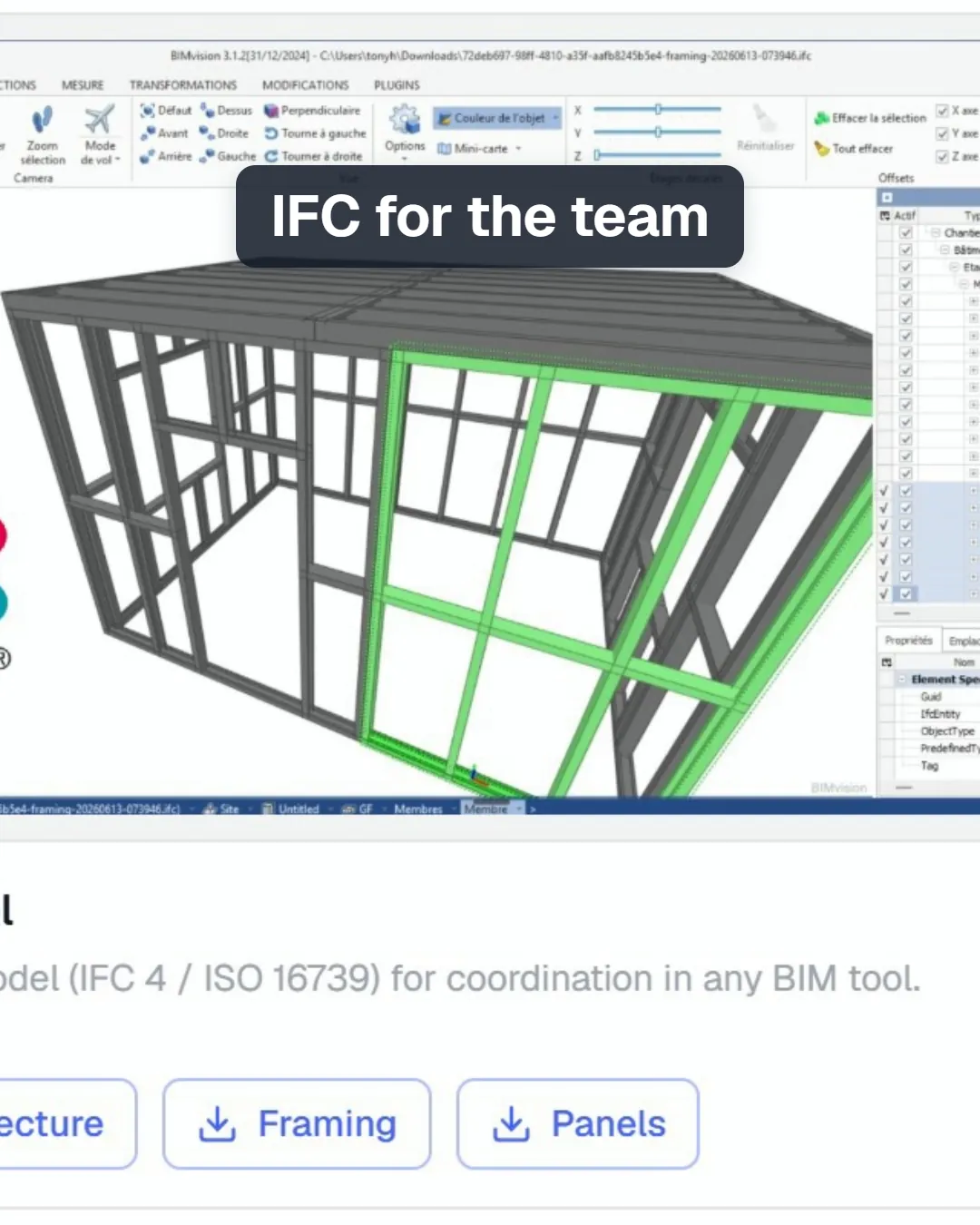
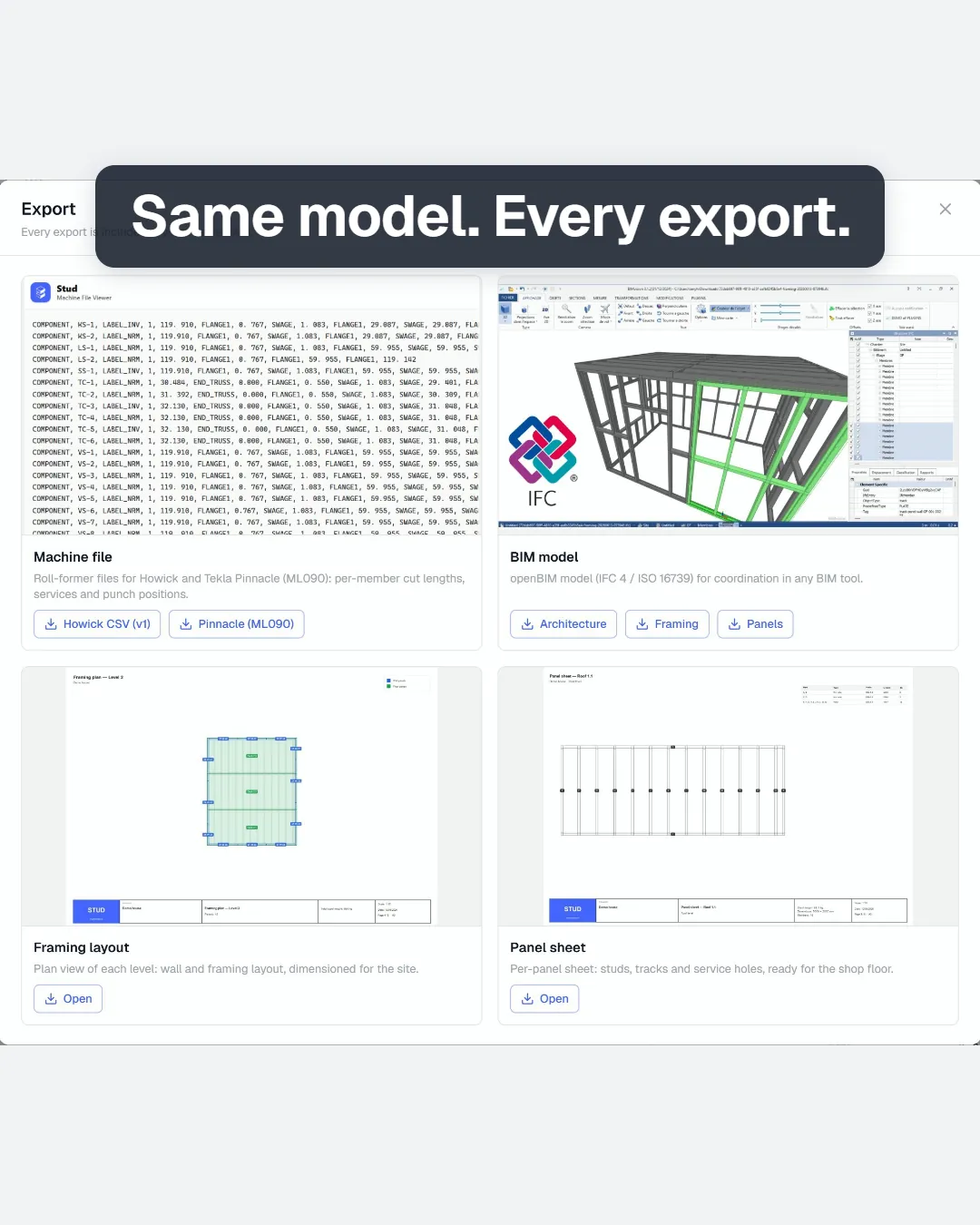
The framed model now leaves Stud as machine files for Howick and Tekla Pinnacle roll-formers, IFC for the team, and PDFs for the shop floor.
From a framed model to production: download machine files for Howick or Tekla Pinnacle roll-formers, the IFC and the framing and panel PDFs.
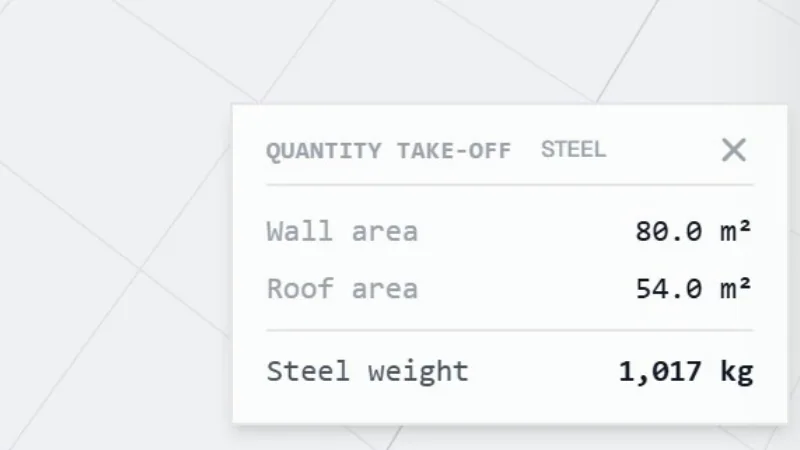
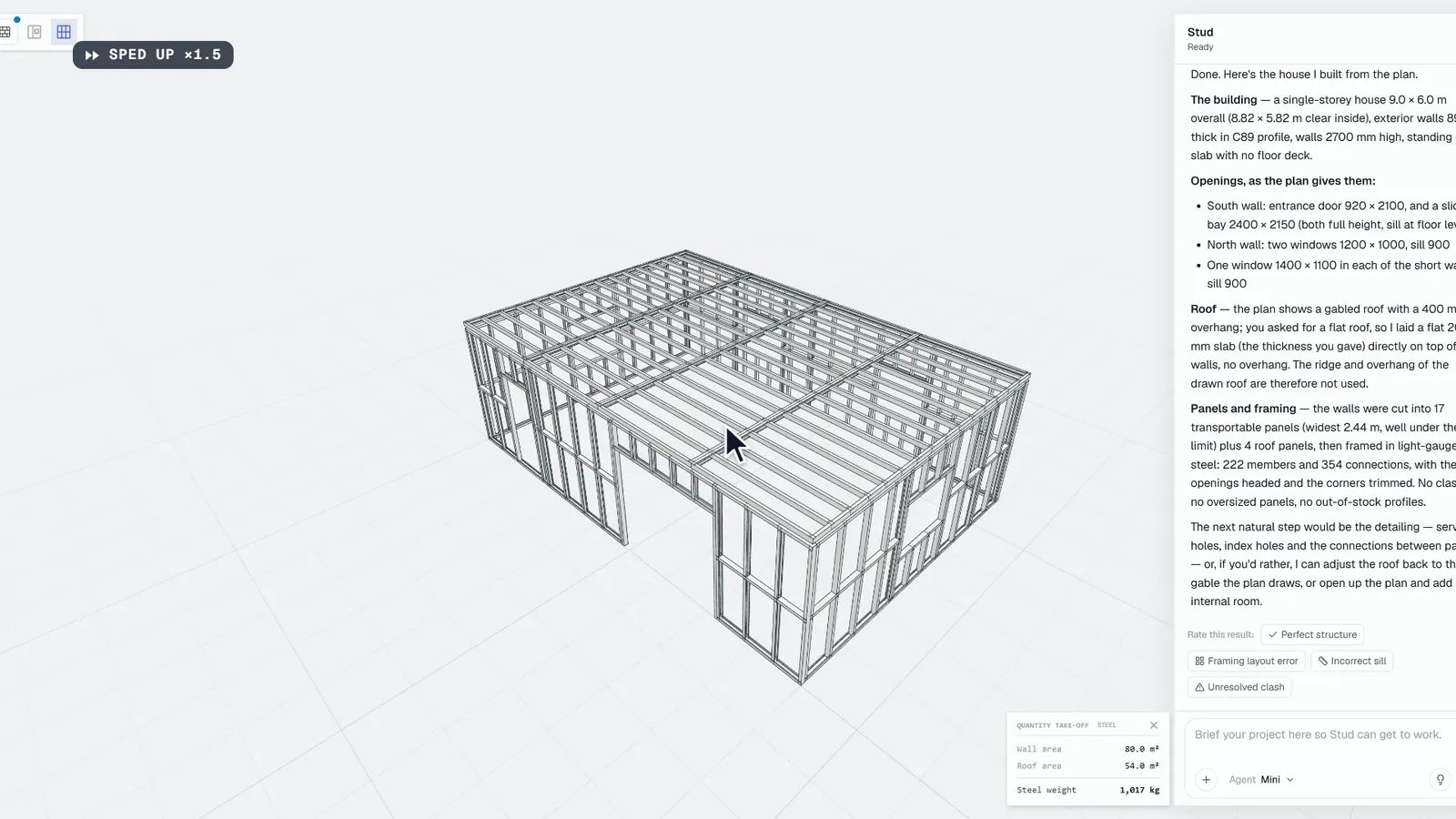
Drop a DXF, PDF or image plan into Stud, answer the agent's questions, then read and export wall, floor and roof areas, openings and weights.
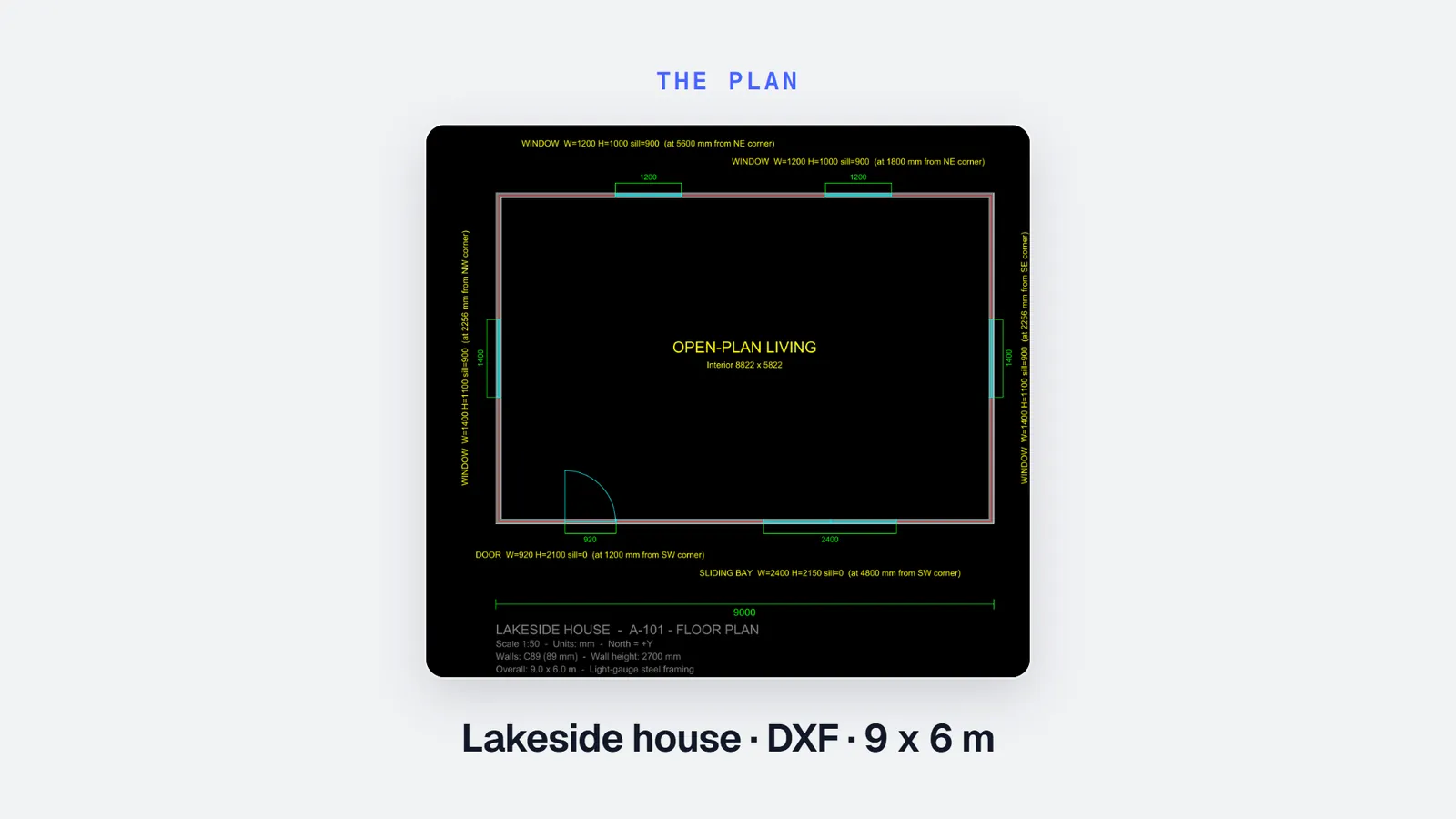
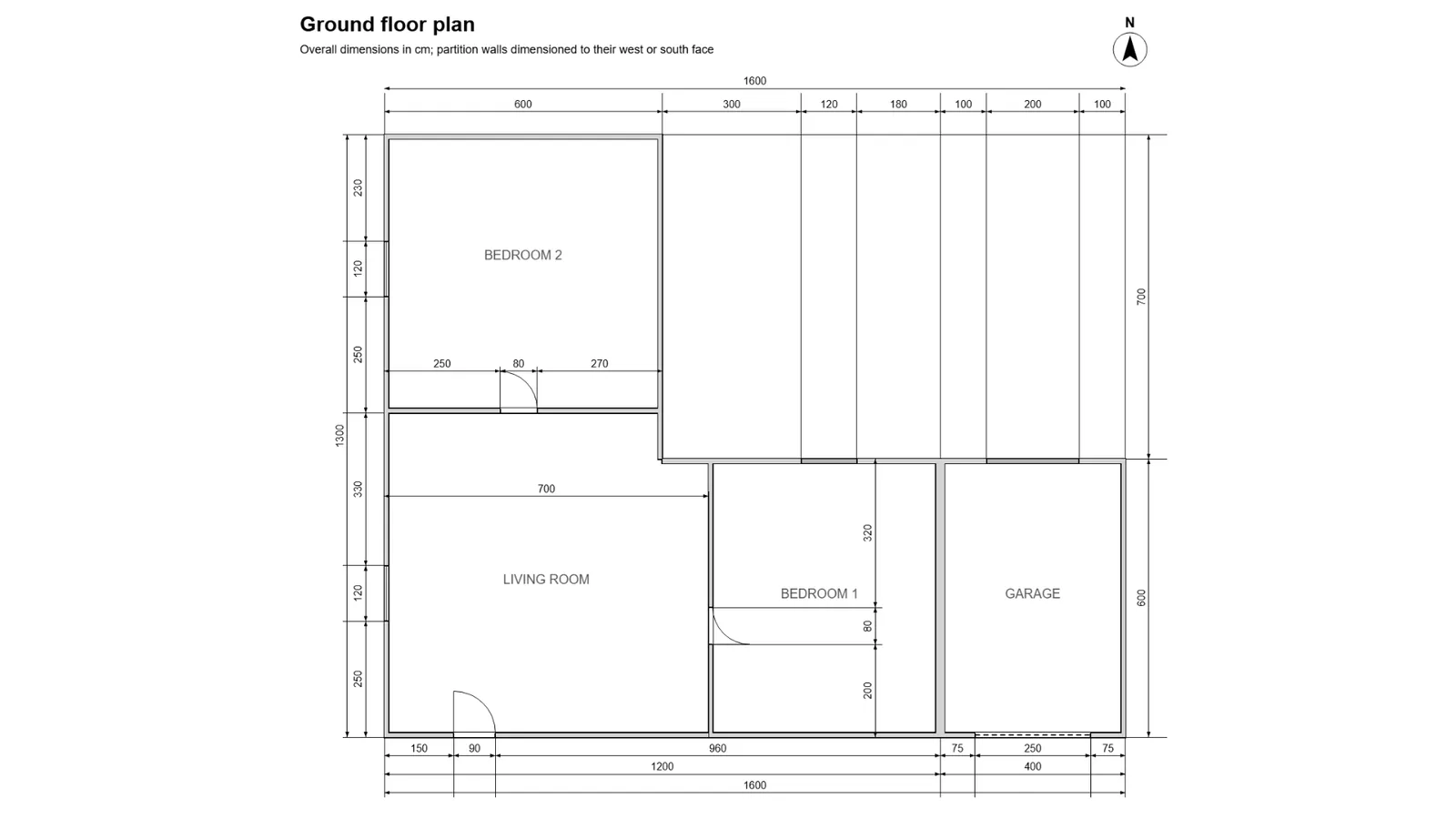
DXF, PDF, plan image or hand sketch: what to send, what to check before you send it, and what to write in the brief so the agent has nothing to guess.
An AI agent can read a DXF, a PDF or a plan image and give you wall, floor and roof quantities. What works today, and where it still needs you.
DXF, PDF, plan image or hand sketch: what each format carries, what a take-off tool reads from it, and how to send it so nothing is guessed.
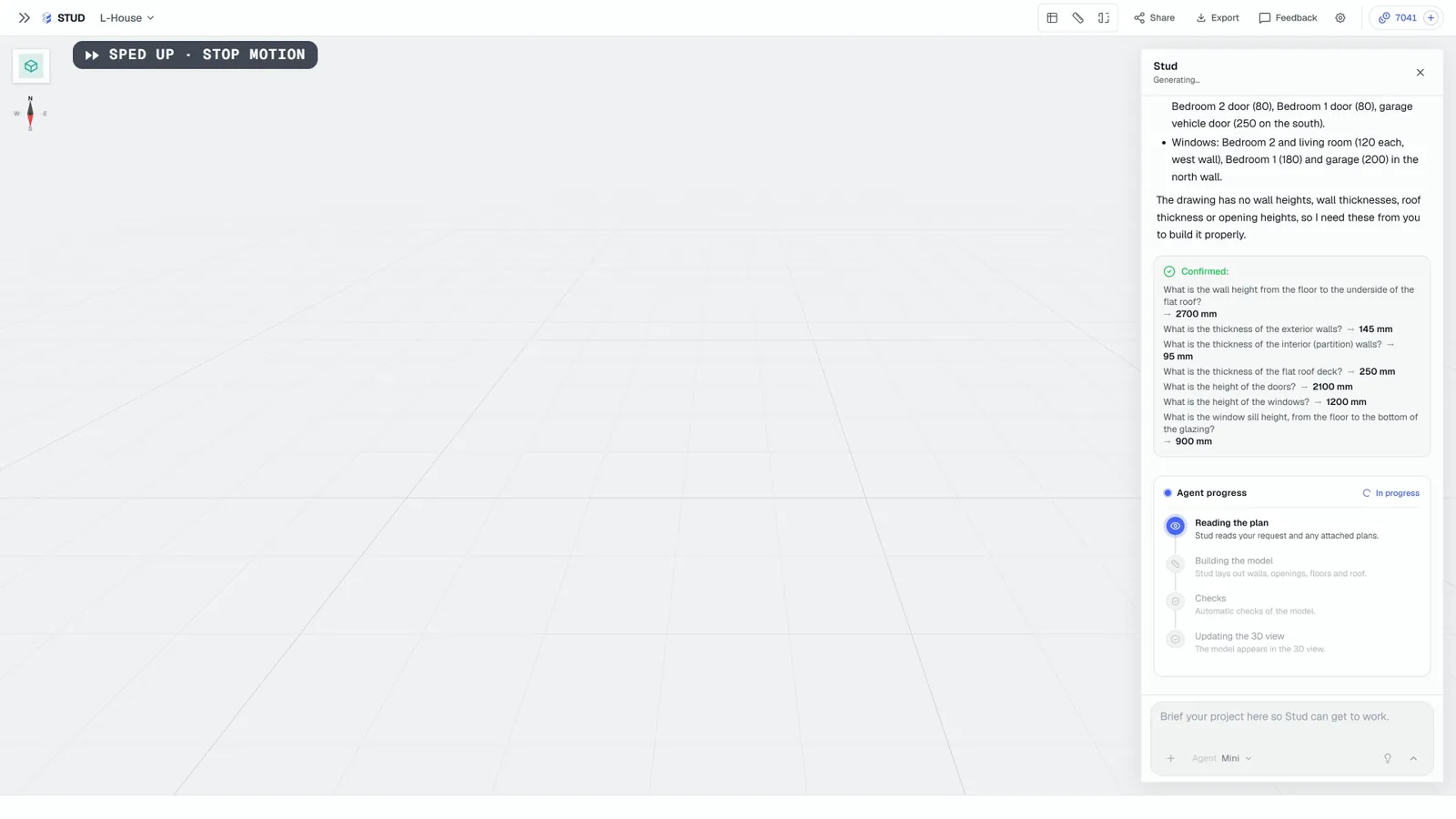
Not a chatbot, not a drawing tool: an agent reads your plan, builds the model, asks what is missing and does the steps. What that means, and its limits.