What an AI agent for construction actually does (and what it doesn't)
Not a chatbot, not a drawing tool: an agent reads your plan, builds the model, asks what is missing and does the steps. What that means, and its limits.
Tony Huaulme2 min read
How is an agent different from a chatbot or a CAD plugin?
| Chatbot | CAD plugin | AI agent | |
|---|---|---|---|
| Who does the work | You, with its advice | You, faster | The agent, step by step |
| What you give it | A question | Your drawing actions | A plan and a goal |
| What you get | Text | The model you drew | A model, quantities, then files |
| When something is missing | It assumes | You notice | It asks |
The difference is who holds the pencil. With an agent, you describe the result you want and check it; the agent does the steps in between.
What does Stud's agent do, step by step?
- Reads the plan you attached: DXF, PDF, plan image or sketch.
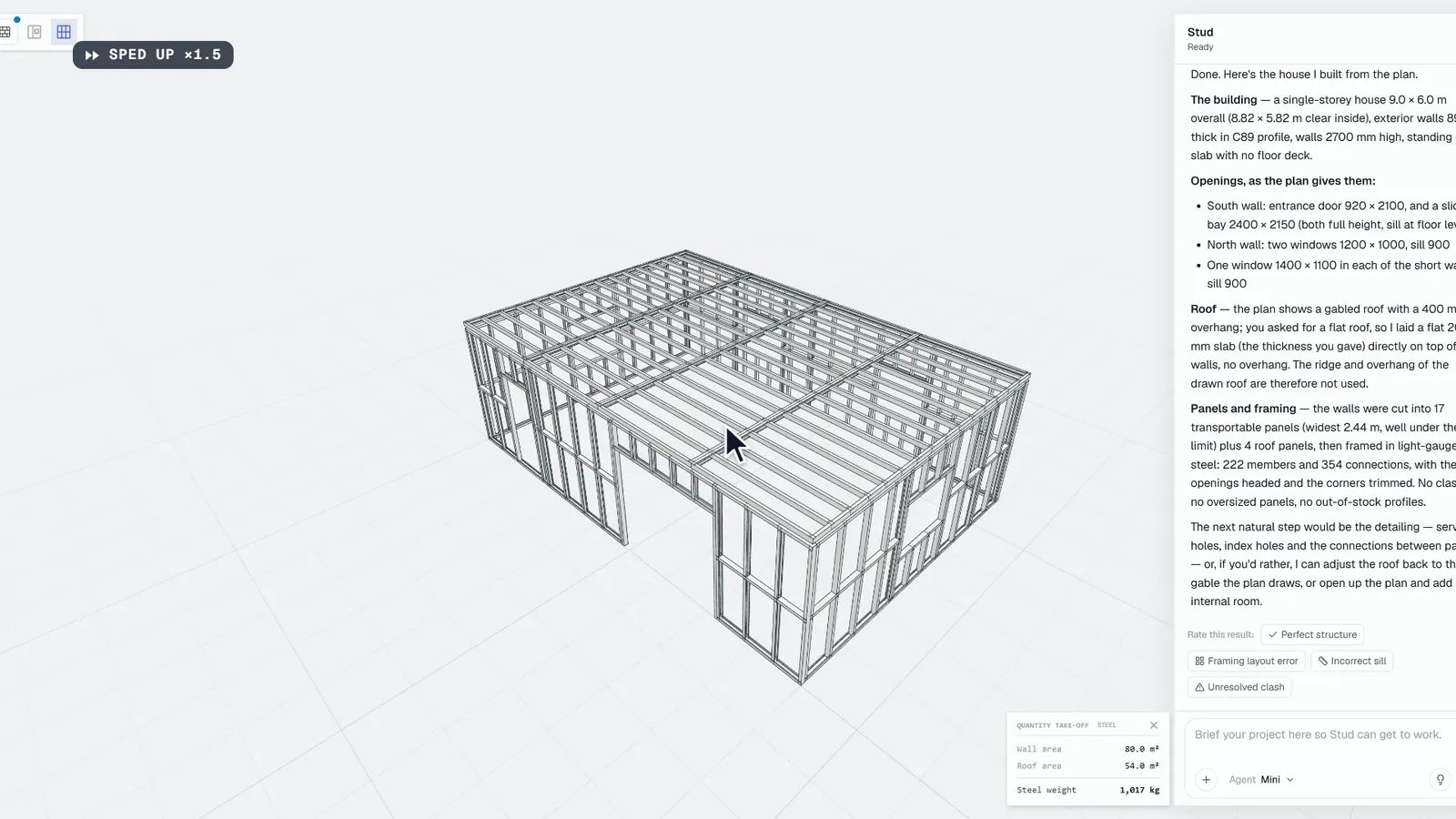
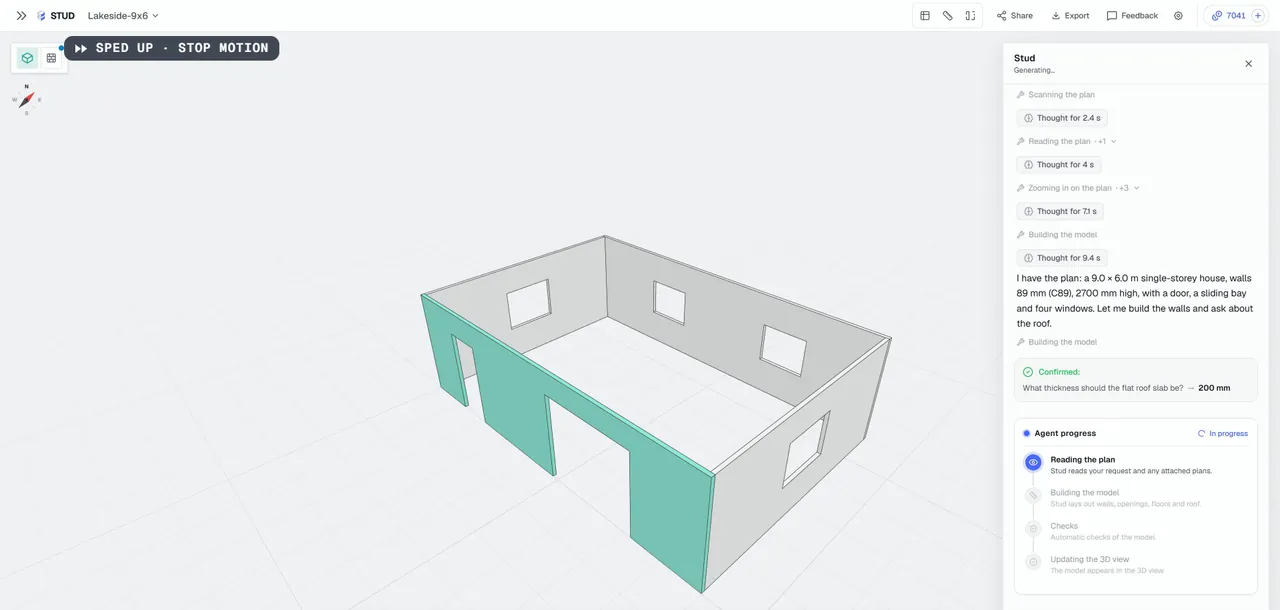
- Builds the building in 3D: levels, walls, openings, floors and roofs.
- Checks the model after each step and tells you what still needs a look.
- Gives the quantities read off the model.
- Splits it into panels and frames them, in light gauge steel or timber, when you ask.
- Prepares the production files: machine files, IFC (the open BIM exchange standard) and production PDFs.
You see each step as it happens: the 3D model updates while the agent works.
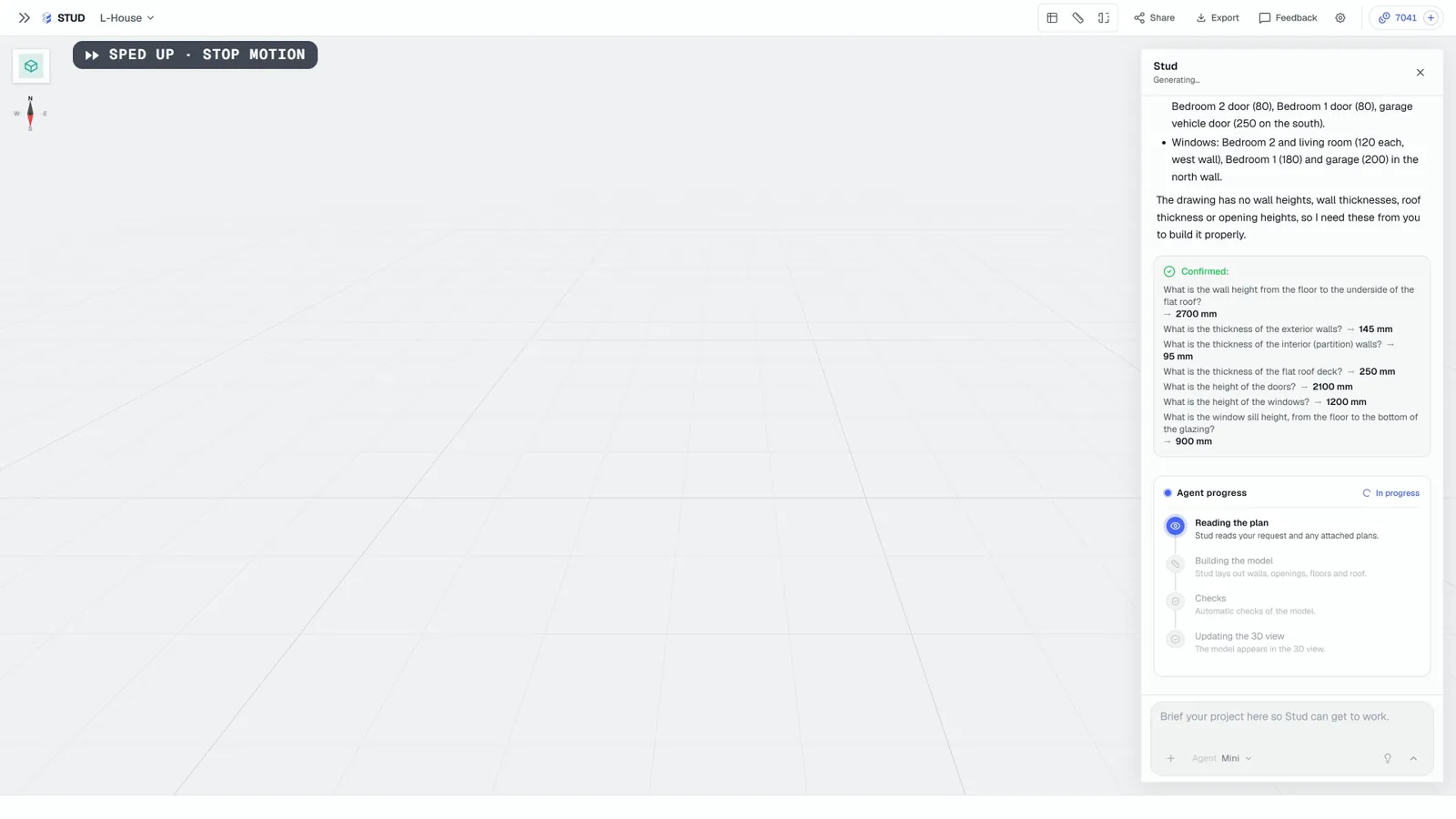
Why does it ask instead of guessing?
Because a wrong dimension costs more than a question. A plan view rarely shows wall heights or thicknesses. An agent that fills them with "standard" values gives you a model that looks right and prices wrong.
What doesn't it do?
- Price the job. It gives quantities; your rates make the price.
- Sign off the structure. It does not run structural calculations or check building codes.
- Read every plan perfectly. Clean, dimensioned plans work best. Busy real-world sets mean more questions and a closer check.
- Decide for you. When a choice is yours (the roof, the system, a dimension), it asks.
How do you stay in control?
- You approve each step. By default the agent stops at the building and proposes the next step: panels, then framing.
- You point at what to change. Click an element in the 3D view and write the change.
- It keeps your requirements. It notes the requirements of a project in its brief and checks every model against them.
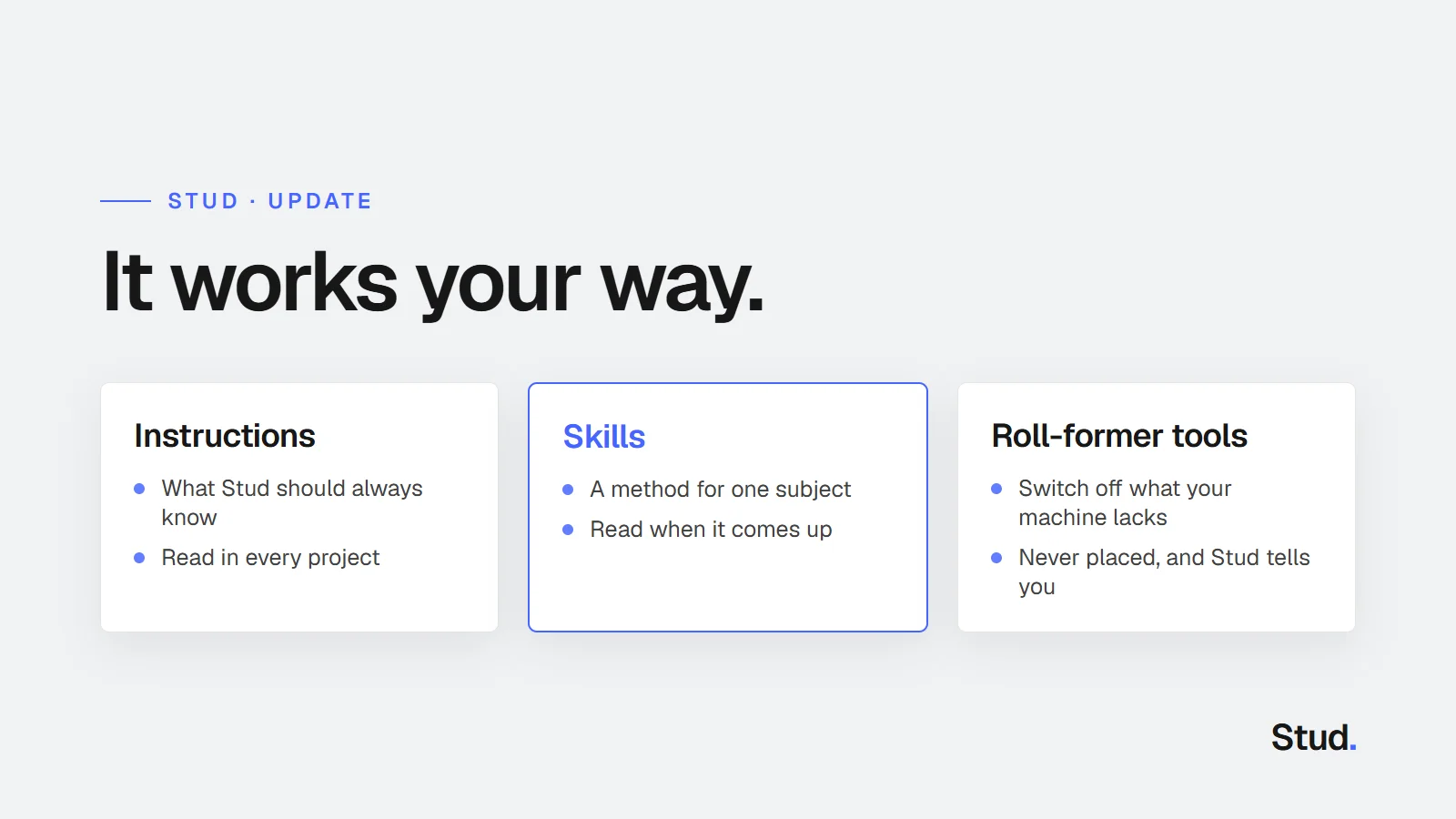
- It works your way. Your instructions apply to every project, and your skills hold your methods.
Sources
Questions
Is an AI agent fully autonomous?
It works on its own between your messages and asks when something is missing. You guide it, check each step and stay in control.
Does it replace my engineer or my estimator?
No. It does the modelling, the quantities and the framing. Prices stay with you, structural design with your engineer.
What happens when it gets something wrong?
You see it in the 3D model. Click the element, say what to change, and the agent updates the model, the quantities and the framing that depend on it.