UpdateAI agent
Settings: your instructions, your skills, your roll-former
Tell Stud once how you work. Instructions apply to every project, skills hold your methods, and your roll-former's tools decide what it places.
Tony Huaulme1 min read
What changes
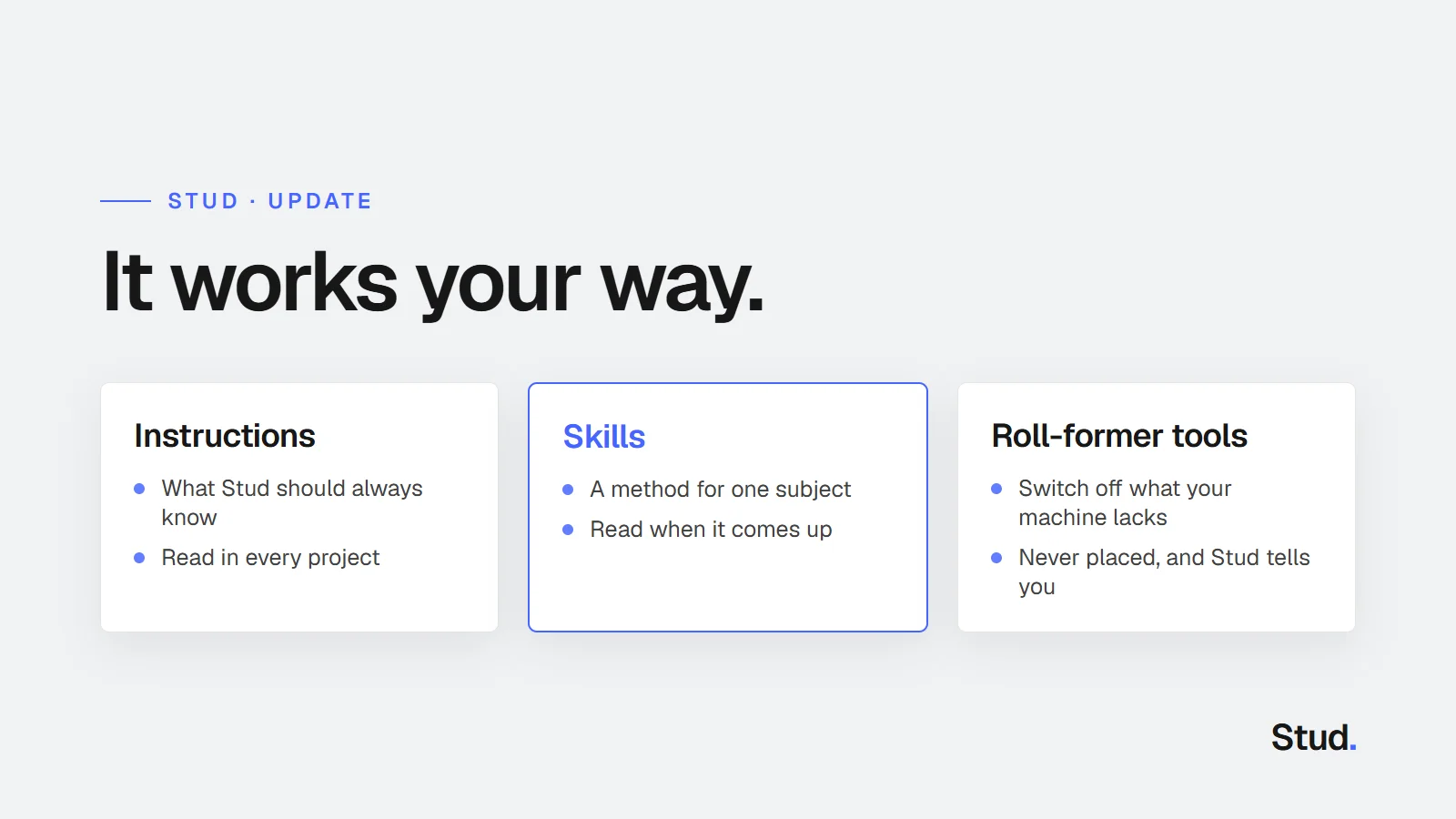
- Instructions for the agent: what Stud should always know about you, your habits and your standards. It reads them with every message, in every project.
- Skills: a method for one subject, such as a table of sections by span or your site connections. Stud sees each skill's name and reads it when the subject comes up.
- The agent can write a skill with you: ask it in a project's chat, it asks what is missing and offers the skill. It is saved only if you click.
- Roll-former tools: switch off a tool your machine does not have. Stud never places it, and tells you.
- Settings open full screen, with the account, the agent, your workshop and the current project each in their place.
Why it matters
An agent that starts from zero on every project asks the same questions again and makes the same choices you then correct. Instructions and skills carry what you already decided, so each project starts from your way of working.
Instructions or skill?
| Instructions | Skill | |
|---|---|---|
| What it holds | What is always true for you | A method for one subject |
| Example | "I mostly build in timber framing. Keep your answers short." | "Sections by span": which section for which span |
| When Stud reads it | With every message | When the subject comes up |
Keep the instructions short and put the methods in skills: Stud reads less on every message and still knows where to look.