How to prepare a plan for Stud
DXF, PDF, plan image or hand sketch: what to send, what to check before you send it, and what to write in the brief so the agent has nothing to guess.
Tony Huaulme2 min read
Before you start
- The plan you received, in the cleanest format you have: DXF first, then PDF, then an image.
- Five minutes to check the dimensions before you send it.
Time: about five minutes per plan
Steps
1Start from the cleanest file you have
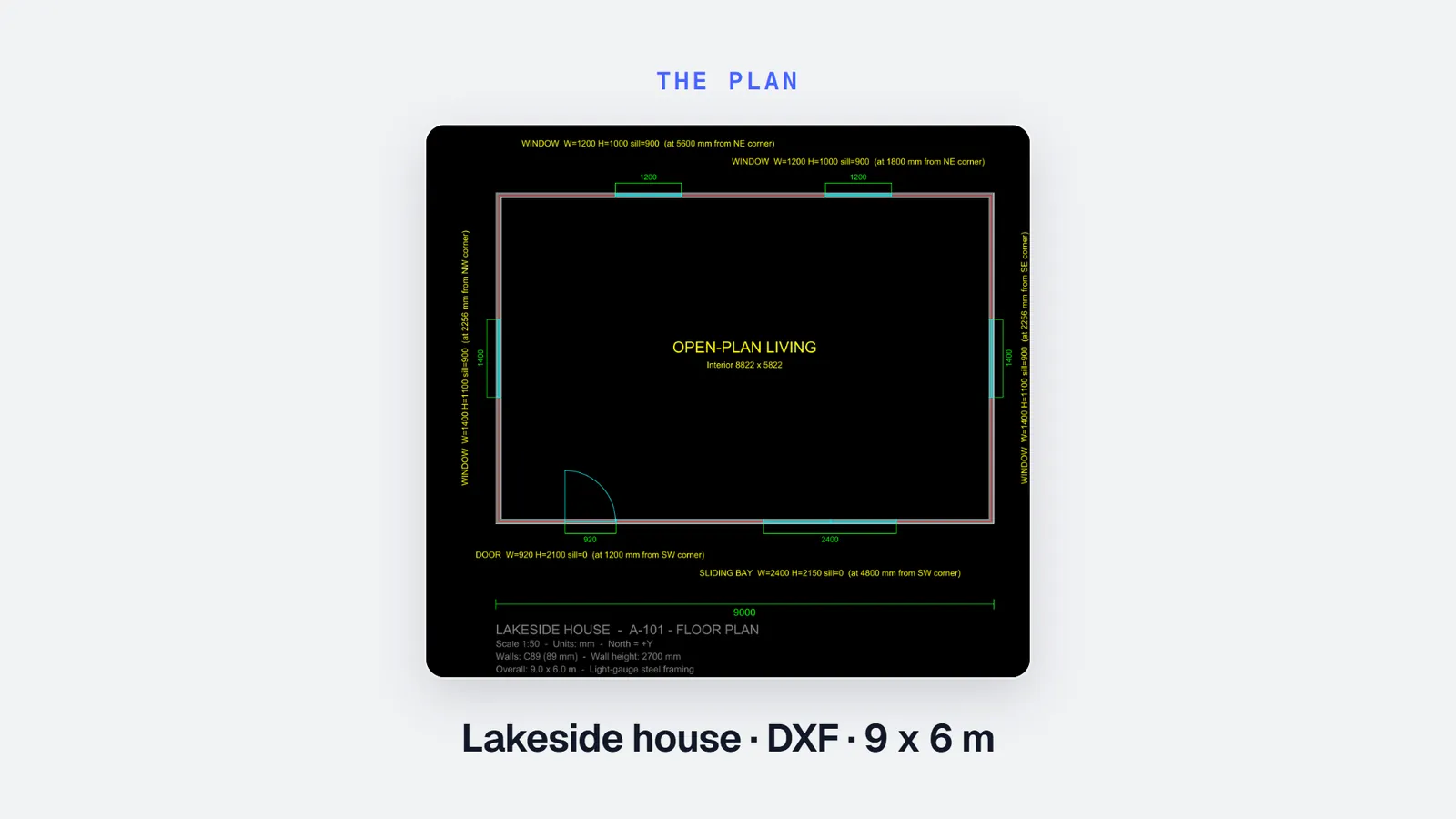
A DXF carries the real geometry and its layers: it is the best input. A PDF drawn from CAD comes next, then a plan image. If the architect sent a DWG, save it as DXF or PDF first: Stud does not read DWG.
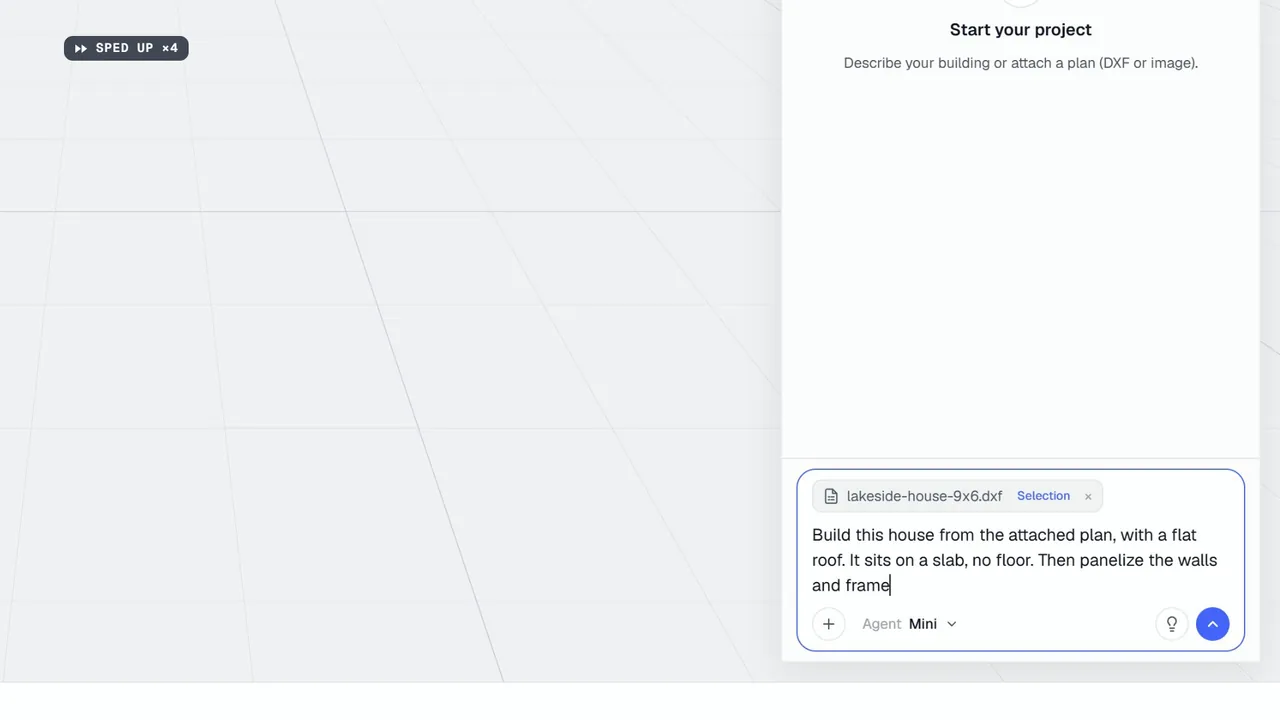
2For a DXF, keep the layers that matter
When you attach a DXF, you can choose its layers and crop the drawing. Keep walls, openings and dimensions; leave out furniture, hatching and title blocks. Less noise, fewer wrong guesses.
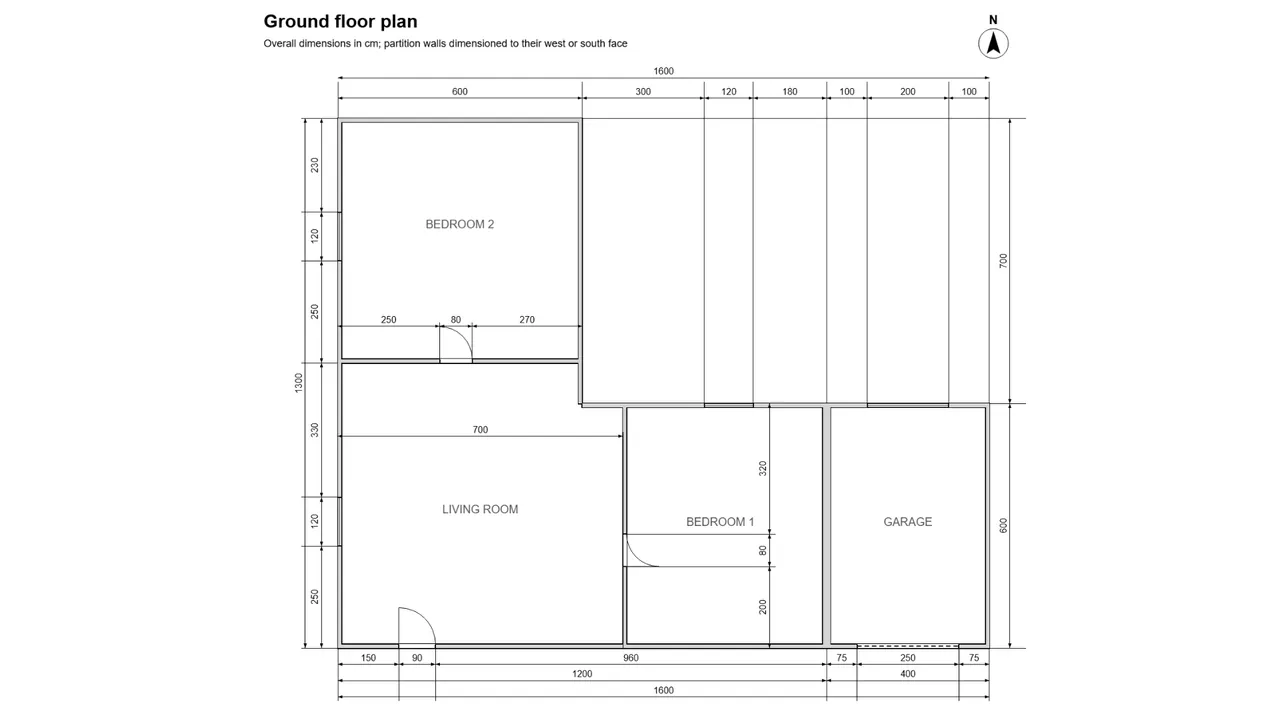
3For a PDF or an image, make the dimensions legible
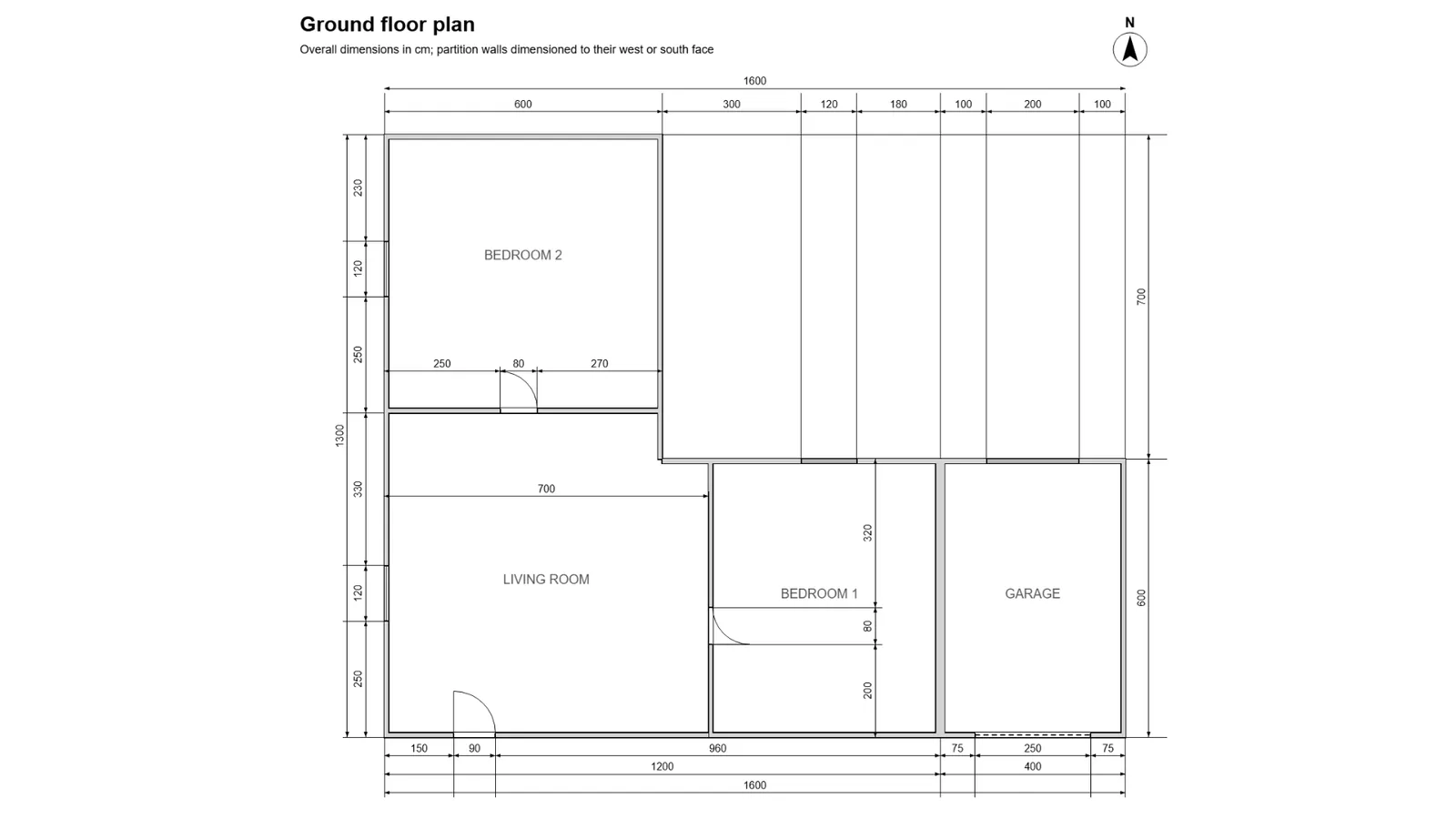
The agent reads what is drawn and written. Send the sheet at a resolution where every dimension can be read, one floor plan per level, without a crop that cuts a dimension line.
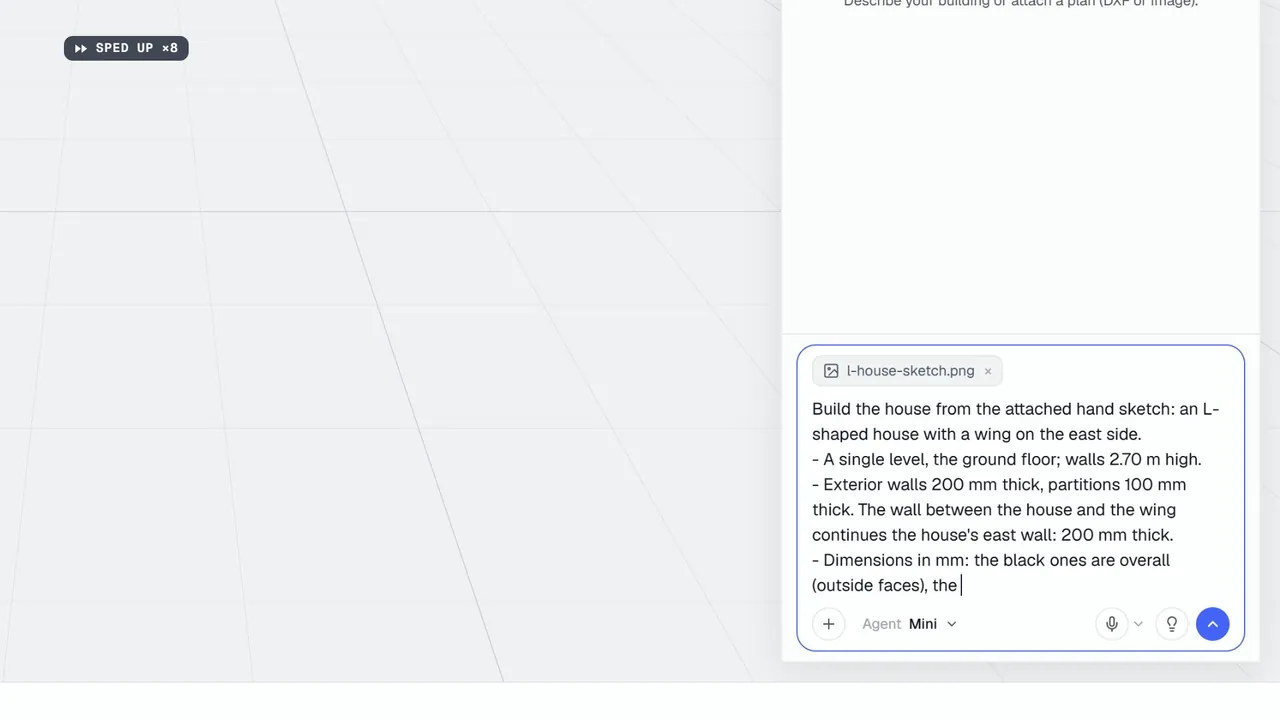
4For a sketch, write every dimension
A hand sketch works if the dimensions are written on it. It does not need to be to scale: the agent follows the written dimensions. Say in the brief which dimensions are overall and which run between inside faces.
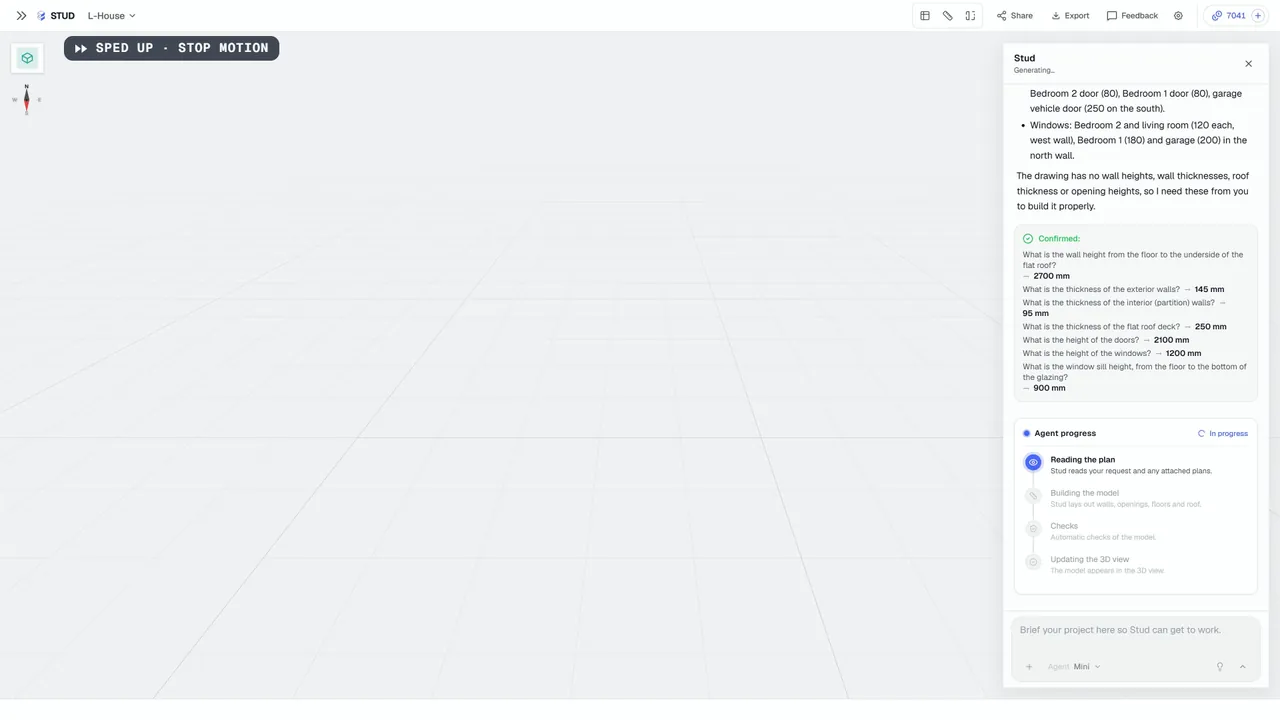
5Put in the brief what the plan does not show
Plan views rarely give wall heights, wall and roof thicknesses, opening heights or sill heights. Write them in the brief if you know them. If you don't, the agent asks for each one before it builds.
What you get
A plan the agent can read without guessing: the right file, the layers that matter, legible dimensions, and a brief that fills in what the plan leaves out. The fewer questions it has to ask, the sooner you get the model and the quantities.
Common mistakes
- A phone snapshot of a printed sheet. Shadows, perspective and blur hide dimensions. Export the PDF or a clean image instead.
- One image for the whole set. One floor plan per level reads better than a sheet with plans, sections and details side by side.
- Dimensions in two units. Say in the brief whether the plan is in millimetres, centimetres or metres when it does not say so itself.
- Relying on the agent to guess a height. It won't: it asks. Write the heights you know in the brief and you skip the questions.
What the agent does when something is missing
It stops and asks, in a short form in the chat: one field per missing value, a number with its unit. You answer, it builds. In one of our runs on a plan image with no heights, it listed seven values it needed (wall height, exterior and interior wall thicknesses, roof deck thickness, door and window heights, sill height) before building anything.
Questions
Does Stud read DWG files?
No. Save the DWG as DXF or PDF from your CAD software, then attach that.
Does the plan need to be to scale?
A DXF is drawn in real units. For a PDF, an image or a sketch, the written dimensions are what counts: the agent follows them.
Can I send several sheets?
Yes. Every file stays attached to the project, and the agent can read a plan again later without you sending it twice. Start with one floor plan per level.