How to export machine files, IFC and production PDFs
From a framed model to production: download machine files for Howick or Tekla Pinnacle roll-formers, the IFC and the framing and panel PDFs.
Tony Huaulme1 min read
Before you start
- A project with its panels and framing done. Ask the agent: panelize the walls and frame them in light-gauge steel.
- The Framer plan: it includes every production export.
- Your roll-former's tools set in Settings, so the files only carry what your machine makes.
Time: a few minutes once the framing is done
Steps
1Finish the framing in the model
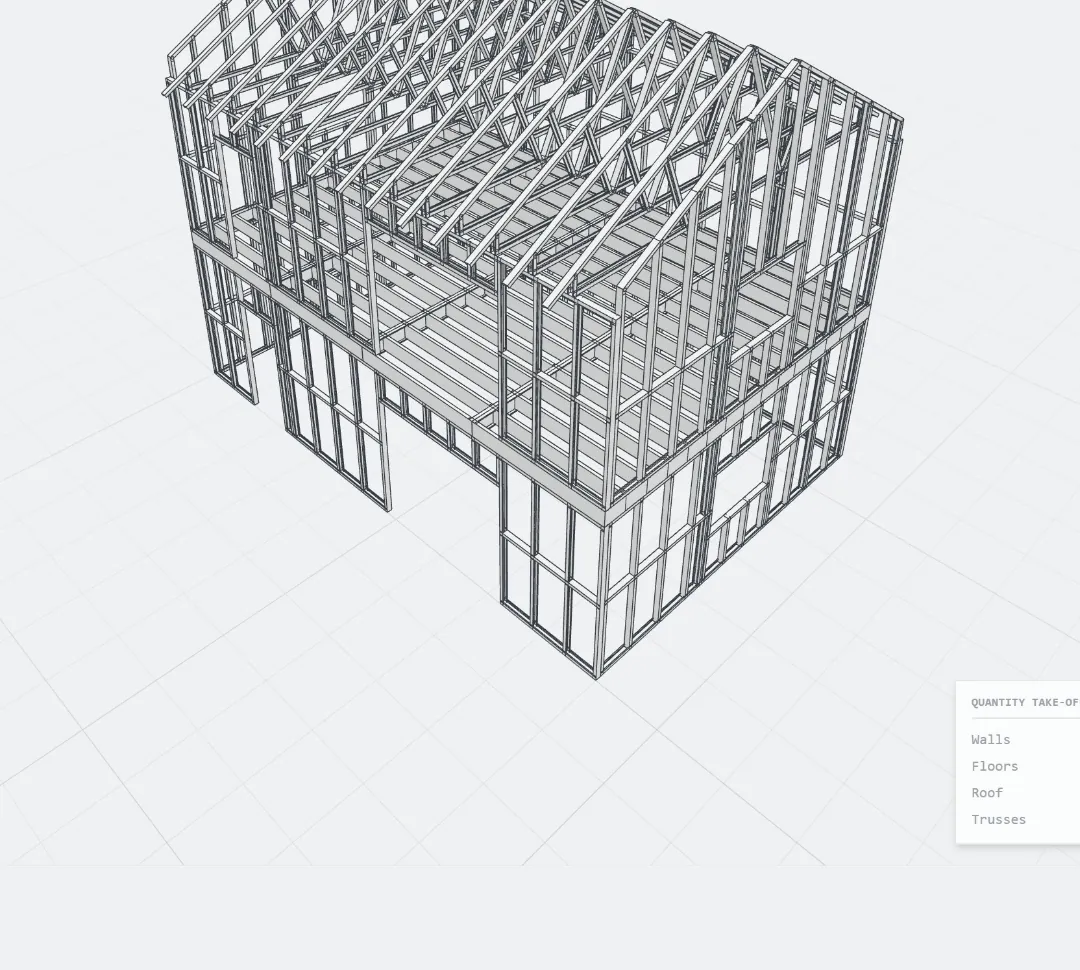
Check the panels and the framing in the 3D view. Change what needs changing by message, or click a member and ask. The exports carry the model as it is on screen.
2Open Export
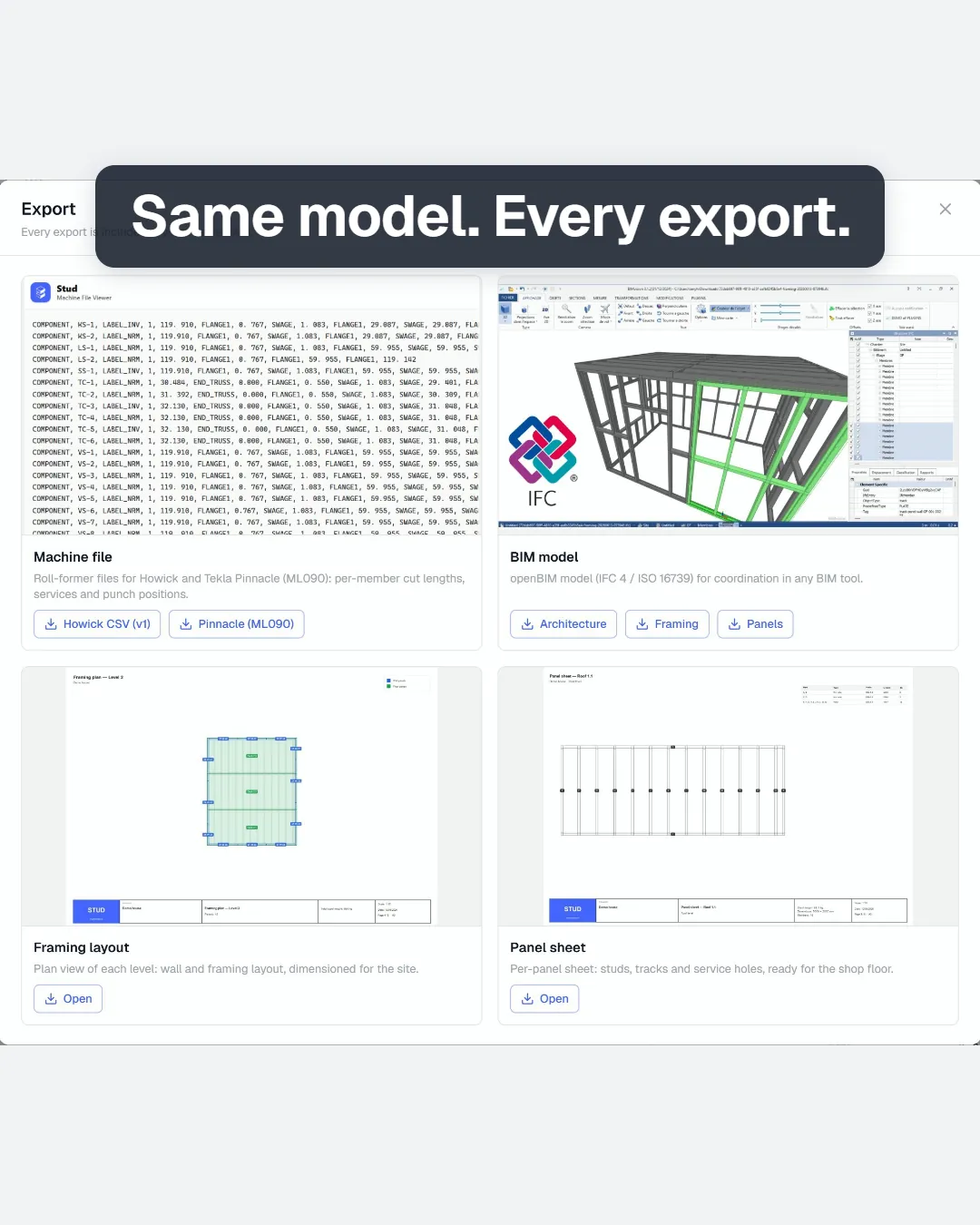
Click Export at the top of the screen. The window shows the four kinds of file: machine file, IFC model, framing layout and panel sheet.
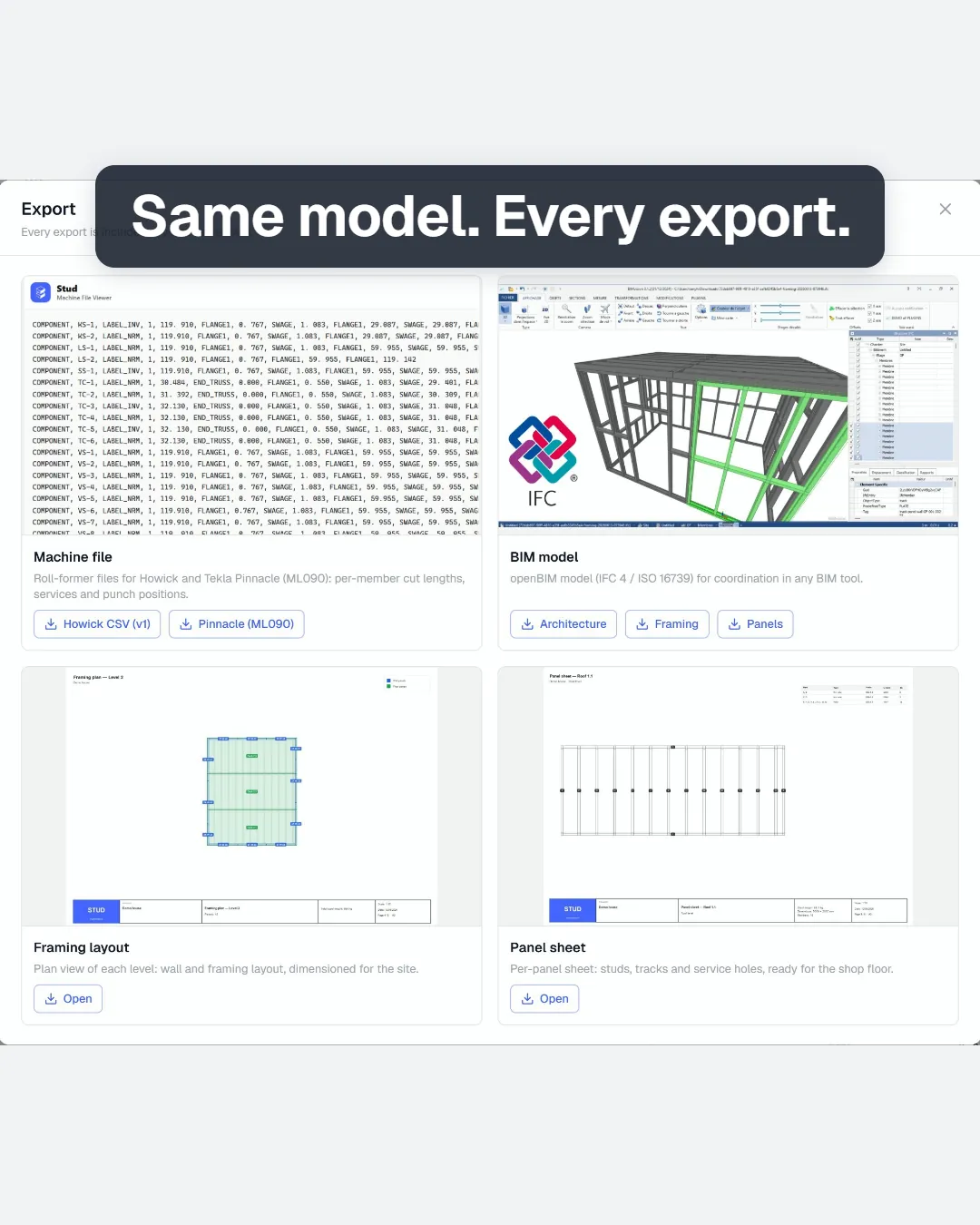
3Download the machine files
Choose your machine: Howick CSV or Pinnacle (ML090). Each member comes with its cut length and the tooling the roll-former punches. Only the steel your roll-former makes goes in: Stud tells you what it left out, such as timber, straps or bought sections.
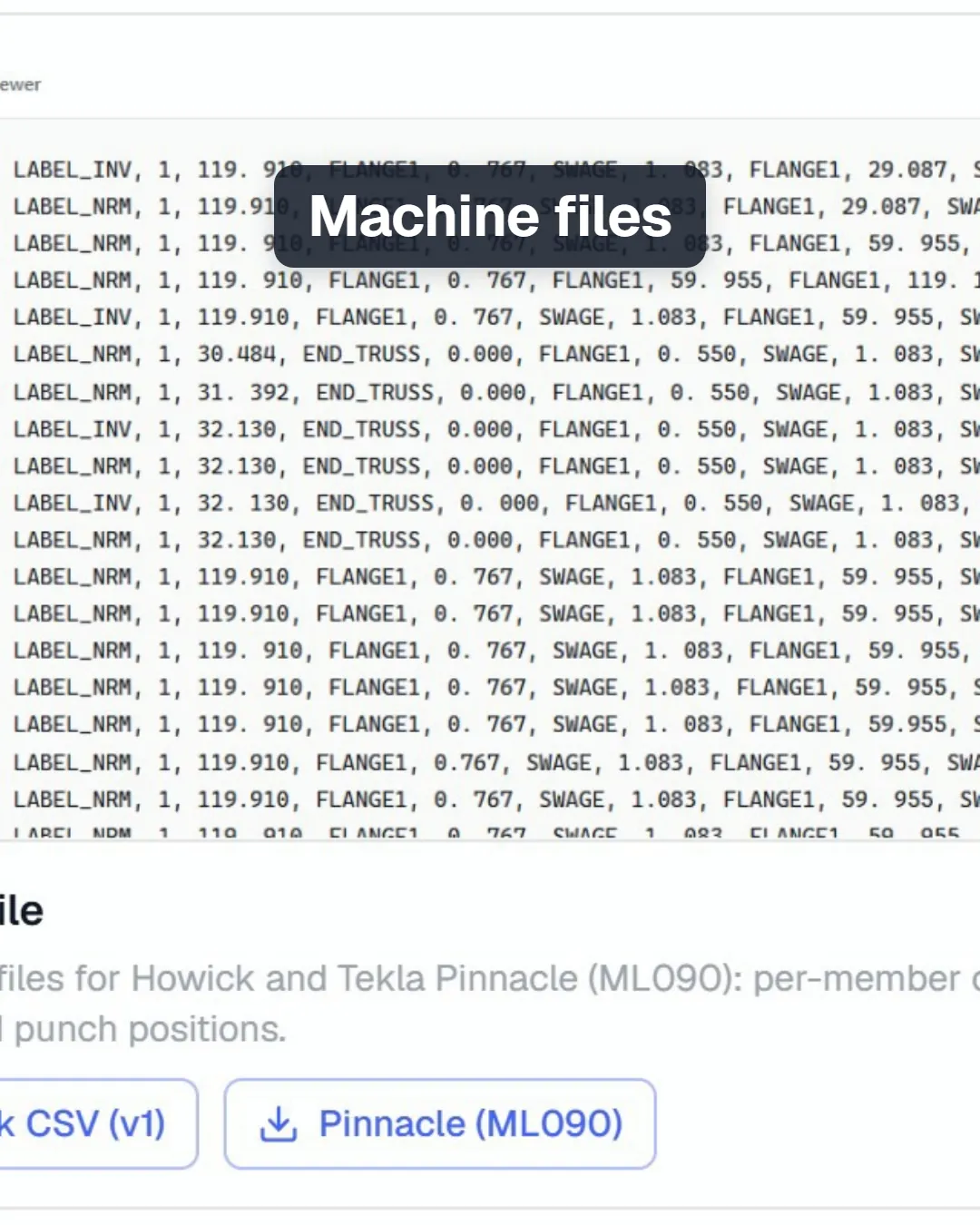
4Download the IFC
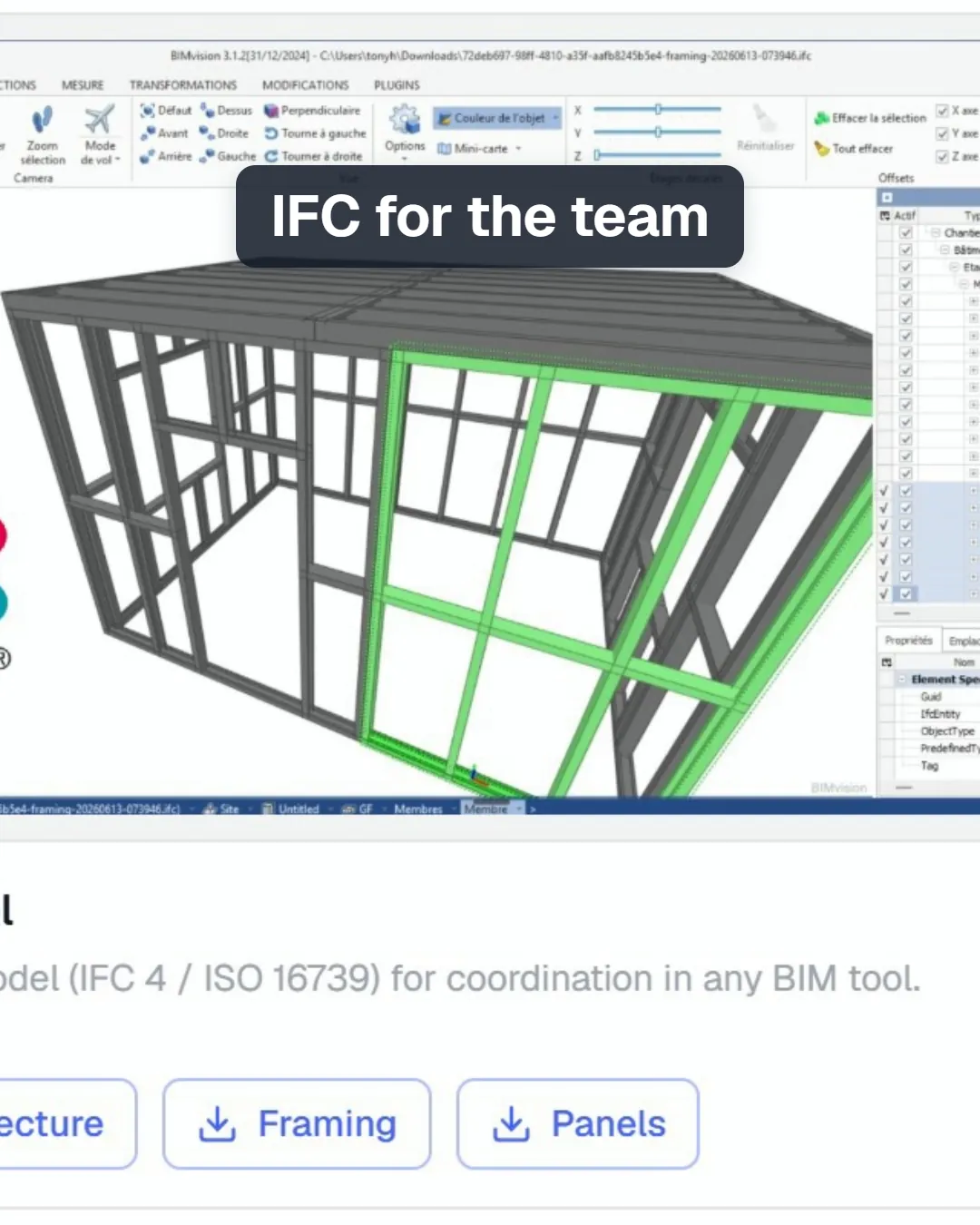
Three IFC files, for three uses: Architecture, Framing and Panels. Open them in any IFC viewer to coordinate with the rest of the team.
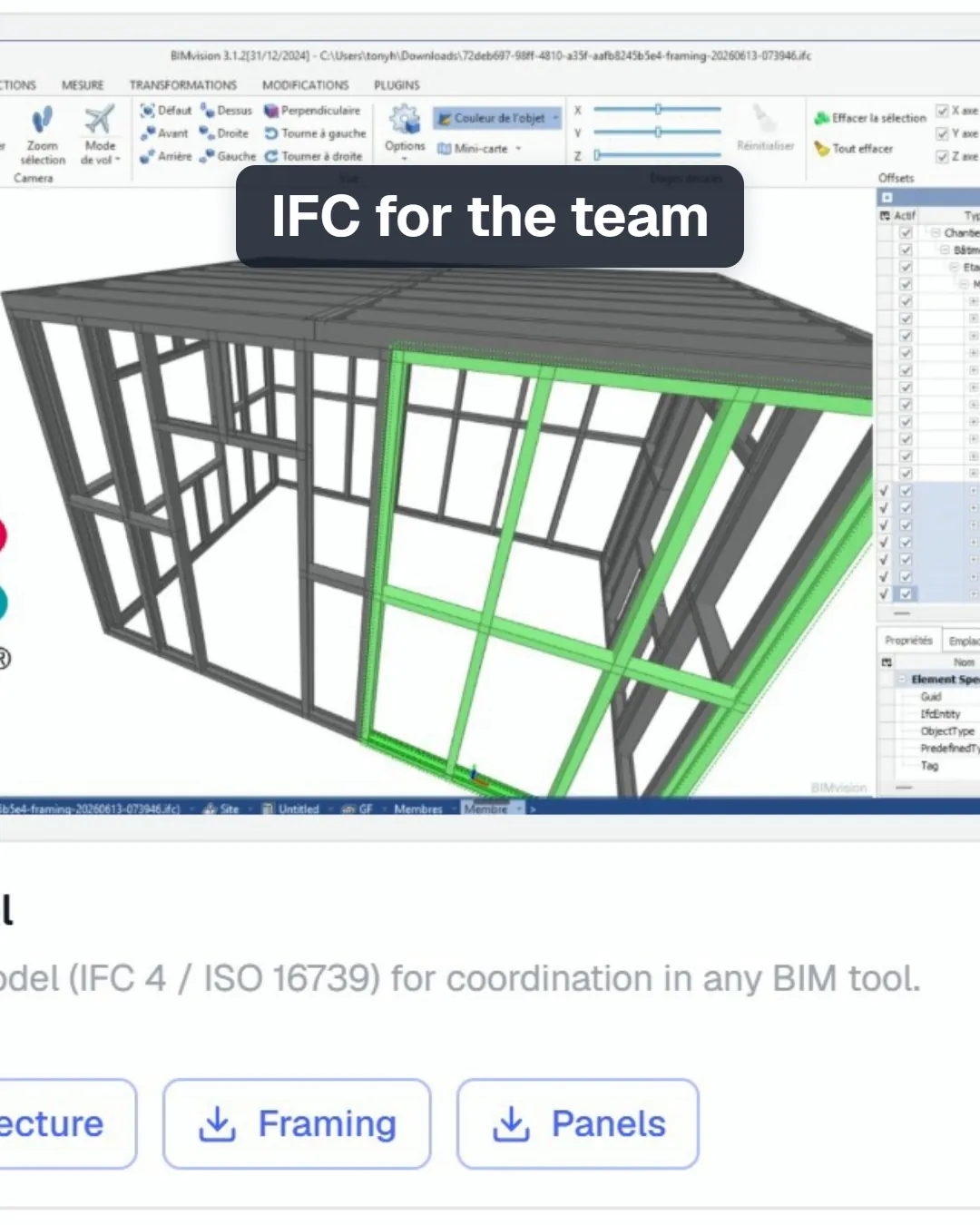
5Open the production PDFs
The framing layout gives a plan view of each level, with walls and framing, dimensioned for the site. The panel sheets give one page per panel, with its studs, tracks and service holes, for the shop floor.
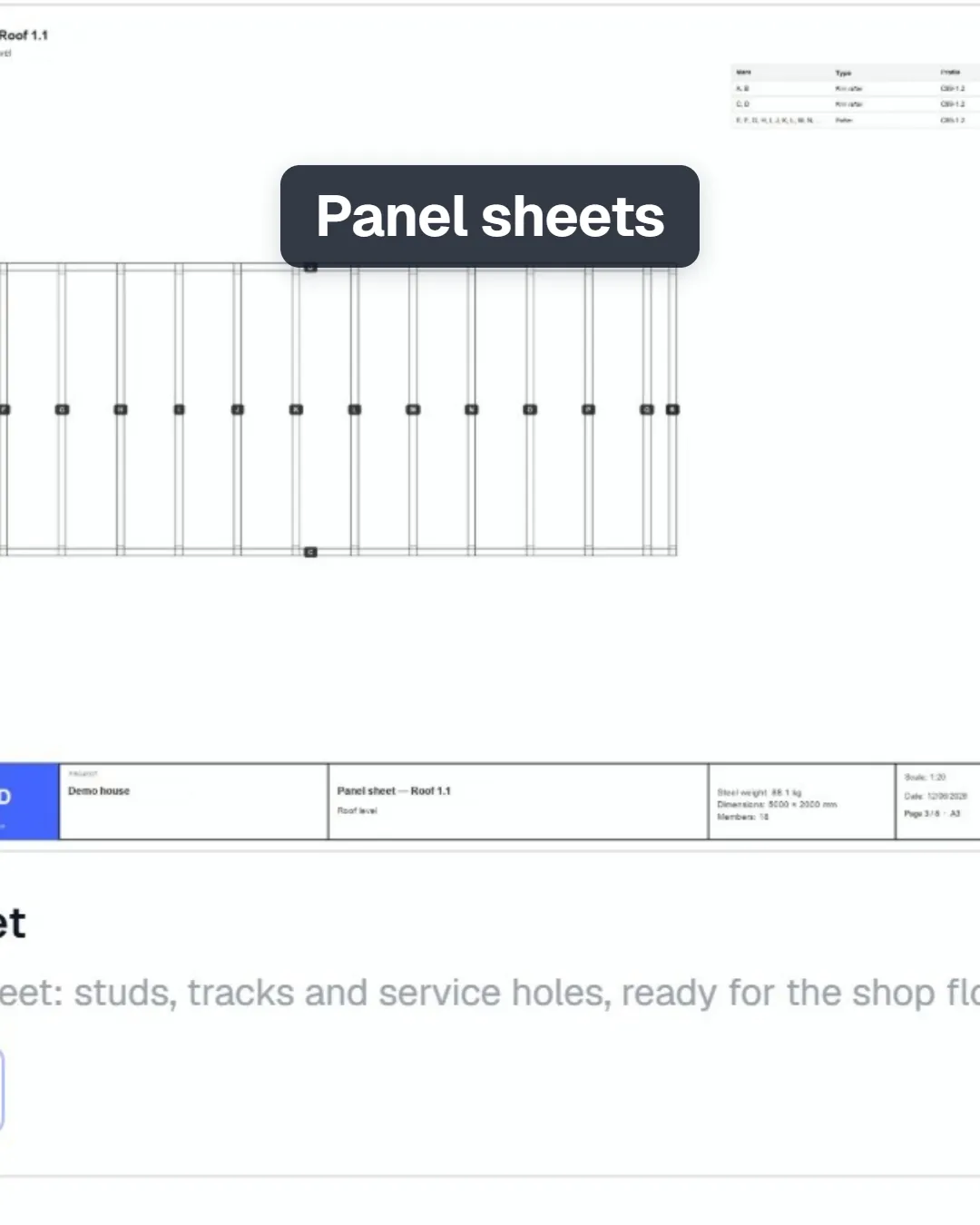
What you get
The files production works from, all taken from the same model you checked: machine files for your roll-former, IFC for coordination, a framing layout per level and a sheet per panel.
Common mistakes
- Exporting before the framing is up to date. If the building changed after the framing was made, Stud asks you to update the panels and the framing first. Ask the agent, then export again.
- Expecting timber in the machine file. A roll-former makes steel members. Timber goes out in the IFC and the PDFs.
- Forgetting the machine's tools. If your roll-former lacks a tool, switch it off in Settings: Stud will not place it, and the files stay true to your machine.
Questions
Which roll-formers does Stud write files for?
Howick and Tekla Pinnacle, with the Framer plan.
Why is a member missing from the machine file?
Only the steel members your roll-former makes go into its files. Timber, straps and bought sections stay out, and Stud lists what it left out when you export.
Can I export a timber frame?
Yes, as IFC and production PDFs. Machine files are for steel roll-formers.