UpdateLight gauge steel
Production exports are live: machine files, IFC and production PDFs
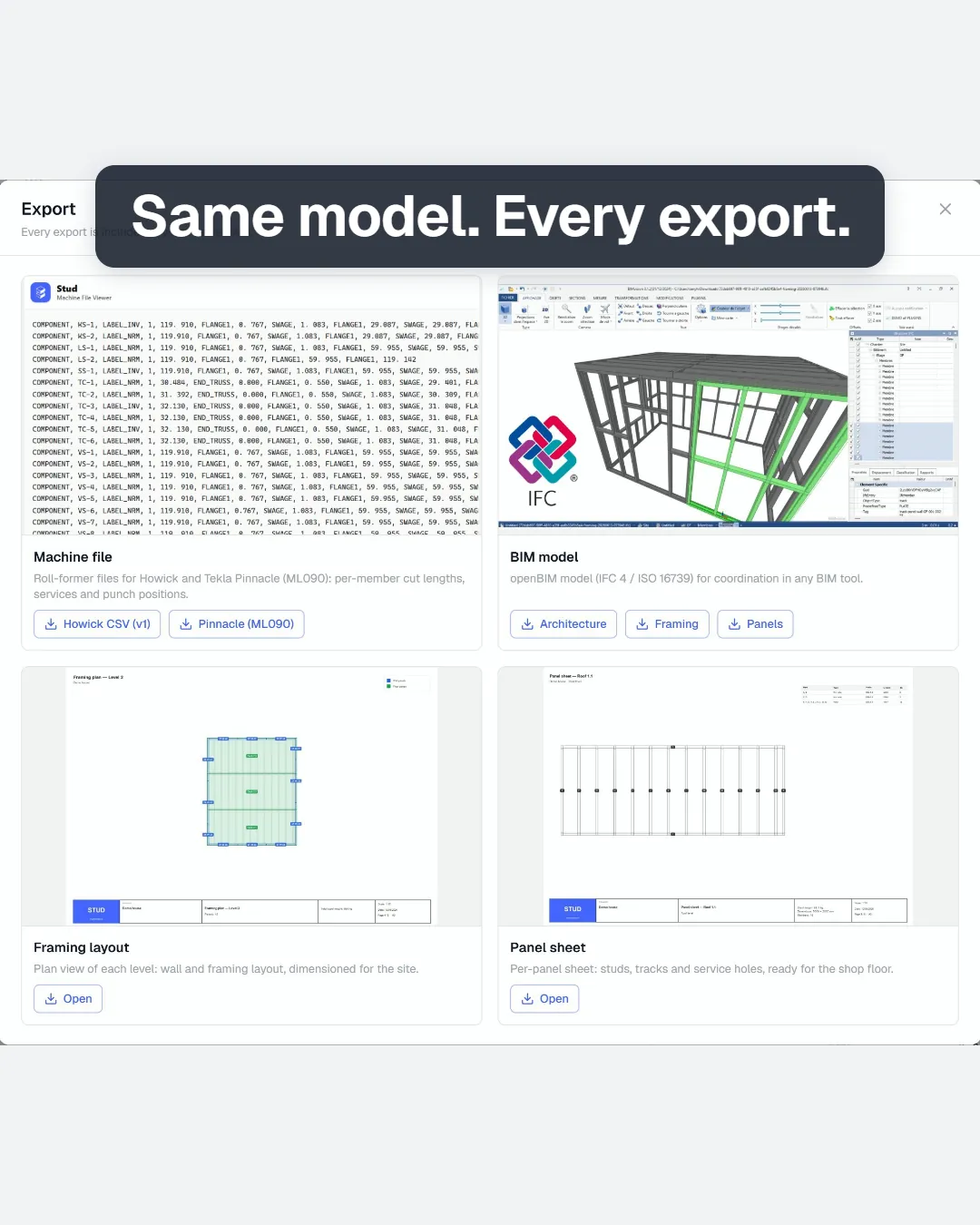
The framed model now leaves Stud as machine files for Howick and Tekla Pinnacle roll-formers, IFC for the team, and PDFs for the shop floor.
Tony Huaulme1 min read
What changes
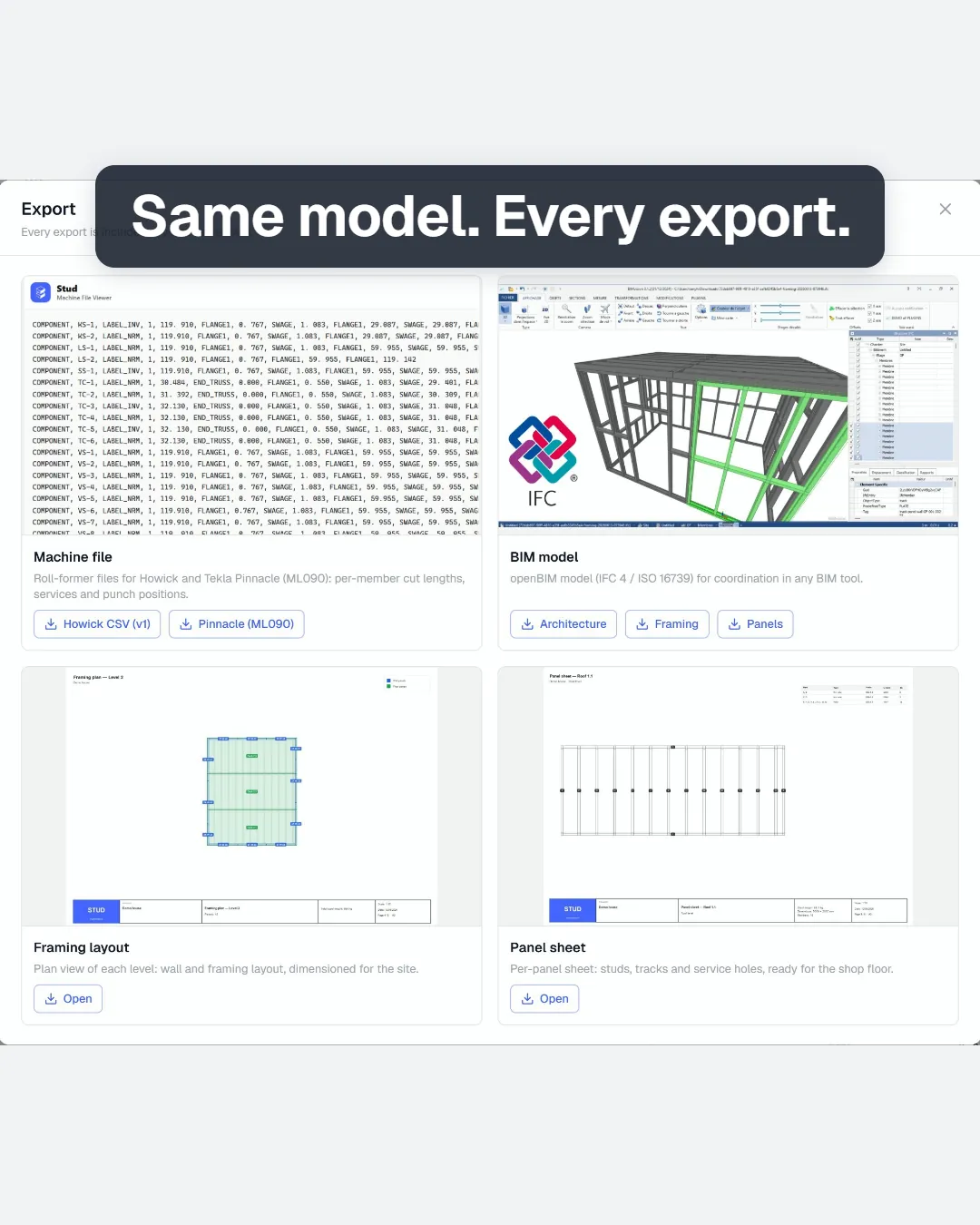
- Machine files for Howick and Tekla Pinnacle roll-formers: each member with its cut length and the tooling the machine punches.
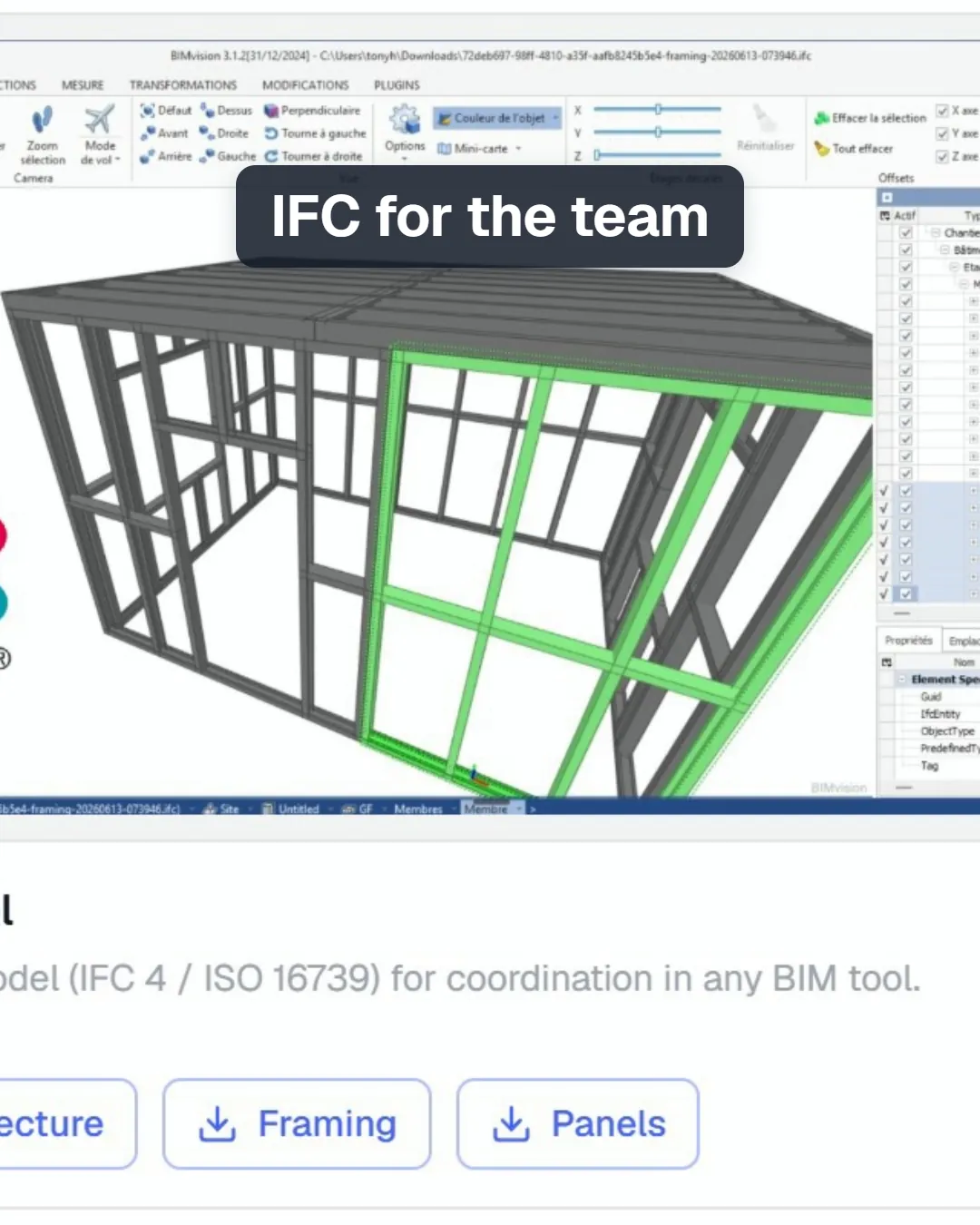
- IFC in three parts: architecture, framing and panels, for coordination in any IFC viewer.
- Framing layout PDF: a plan view of each level, with walls and framing, dimensioned for the site.
- Panel sheet PDF: one sheet per panel with its studs, tracks and service holes, ready for the shop floor.
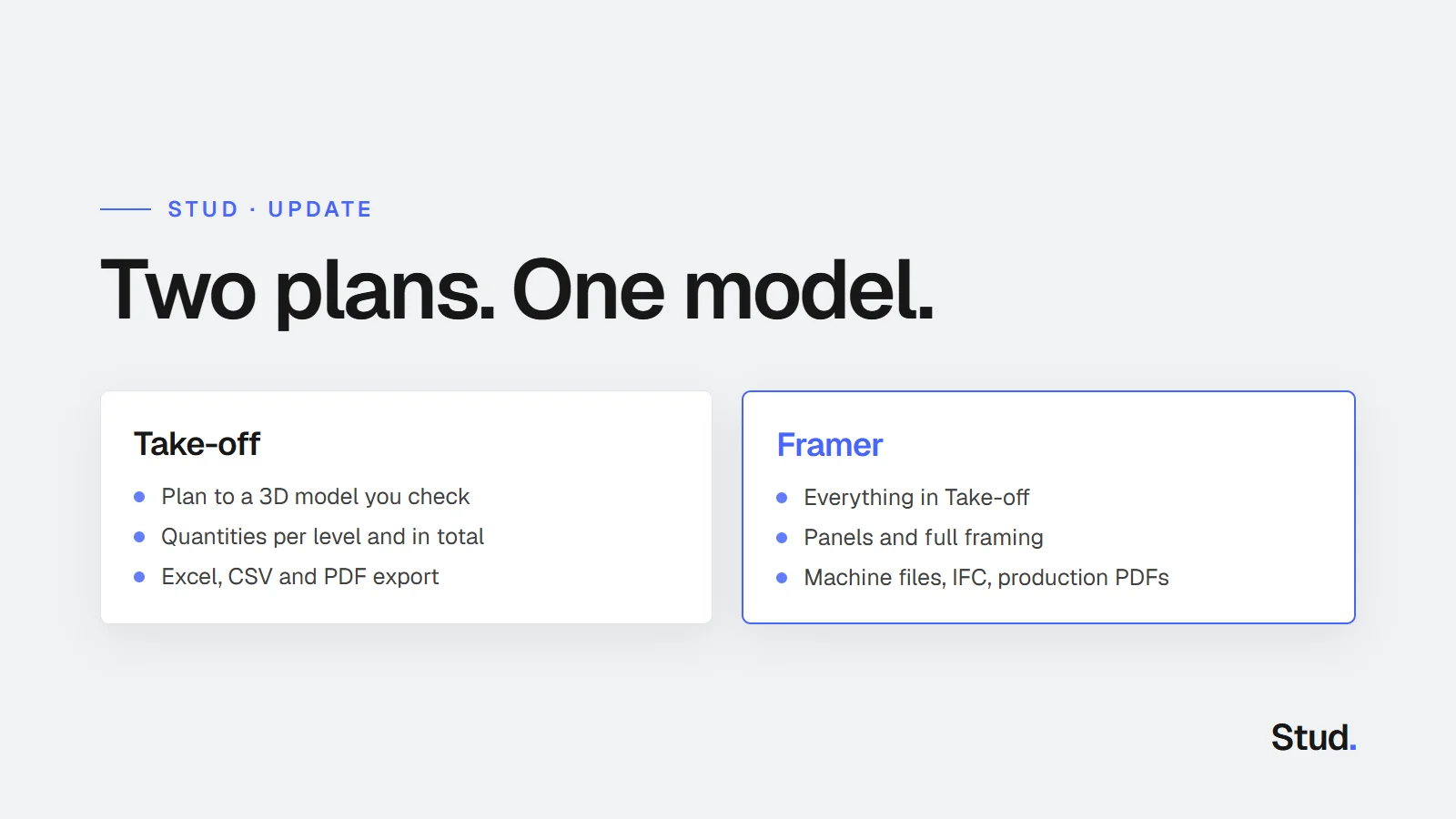
- All of them come from the model you checked on screen, with the Framer plan.
What changes for you
Until now, the panels and the framing stayed in the 3D view. They now leave Stud as the files production works from, all taken from the same model.
What goes into the machine files
Only the steel members your roll-former makes go into its files. Timber, straps and bought sections stay out, and Stud tells you what it left out when you export. If the model changed after the framing was made, Stud asks you to update the panels and the framing first: an export never carries a framing that no longer matches the building.